



 English
 Español
 عربى
عربىContent
Why Computer Bags Matter More Than You Think
A quality computer bag is essential for protecting your laptop investment, which can range from $500 to $3,000 or more. Beyond basic protection, the right bag prevents physical damage from drops, shields against weather conditions, and reduces strain on your body during daily commutes. Studies show that 62% of laptop damage occurs during transportation, making a proper computer bag not just an accessory but a necessity.
Modern computer bags serve multiple purposes: they organize your tech accessories, provide ergonomic support, and reflect your professional image. Whether you're a student carrying your laptop across campus, a business professional commuting to meetings, or a digital nomad working remotely, selecting the appropriate computer bag directly impacts your productivity and device longevity.
Types of Computer Bags and Their Best Use Cases
Backpacks for Balanced Weight Distribution
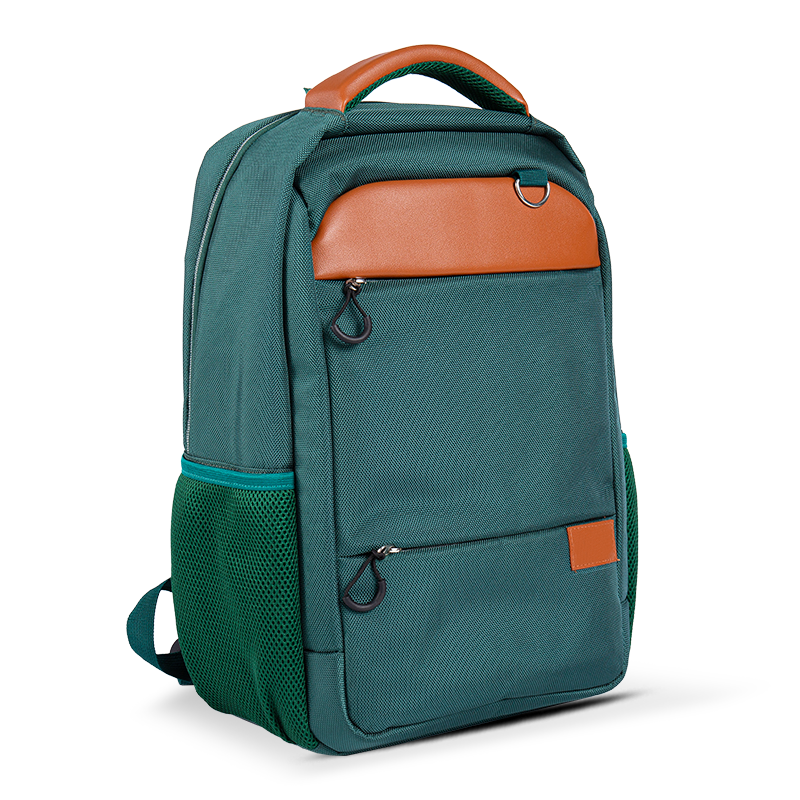
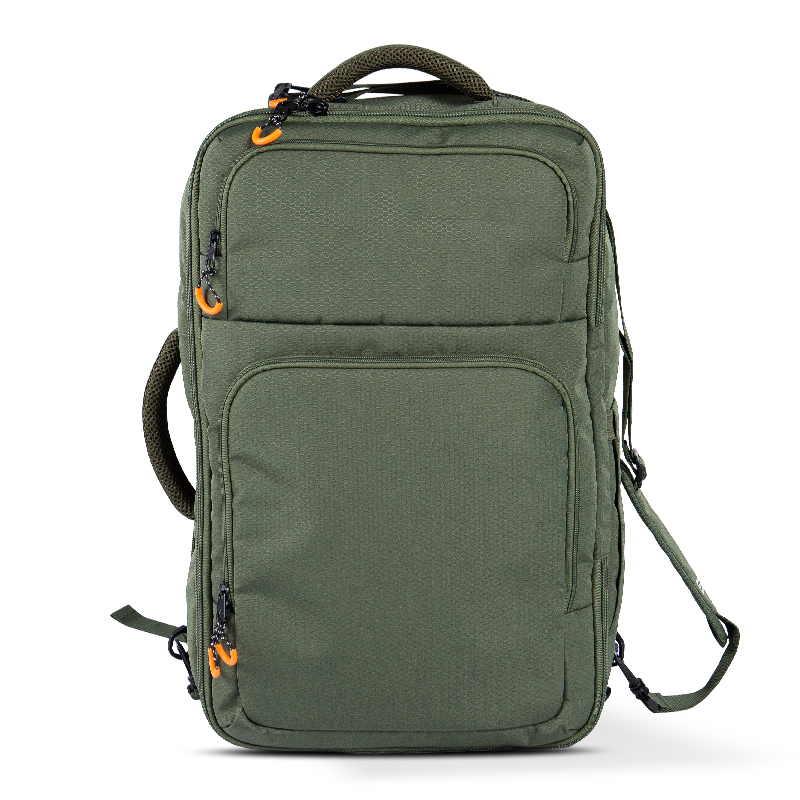
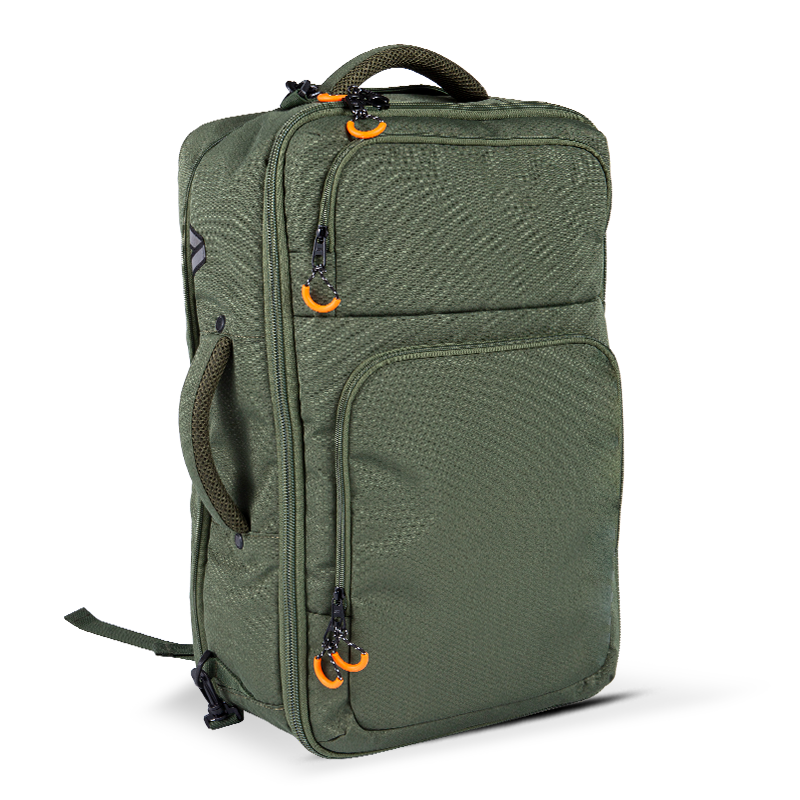
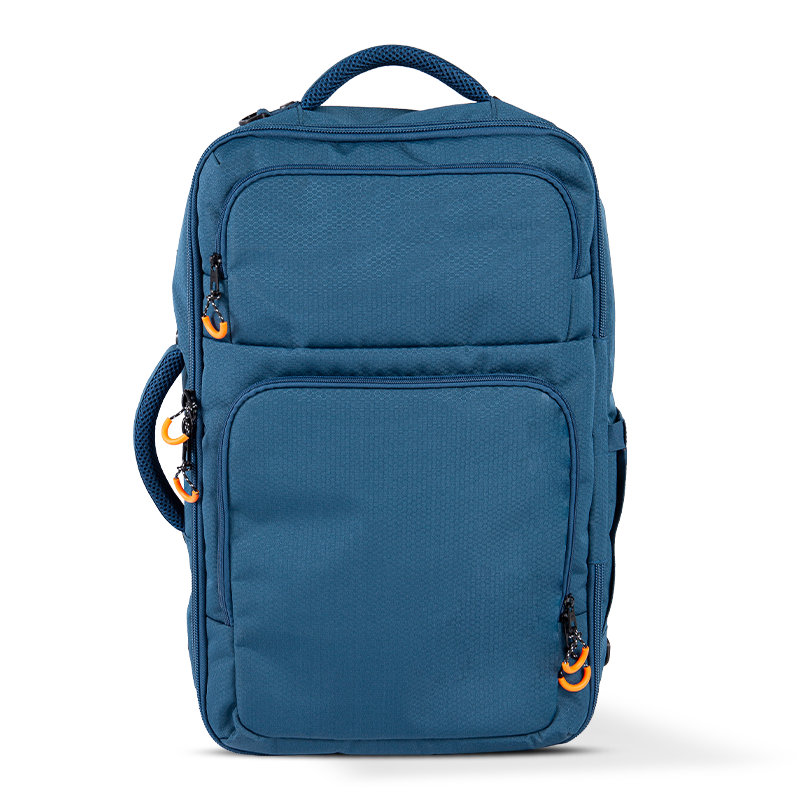
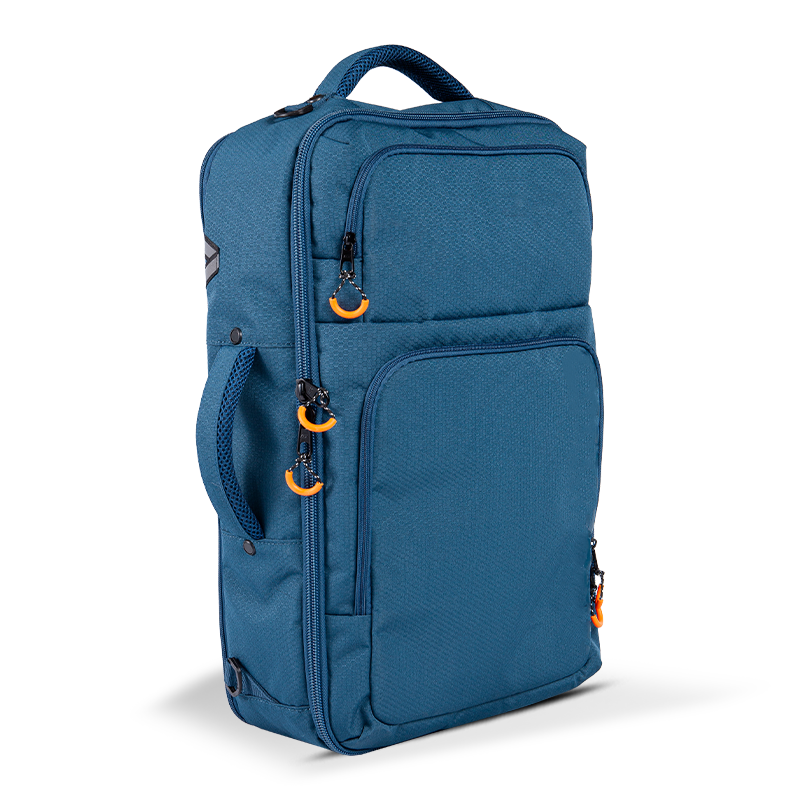
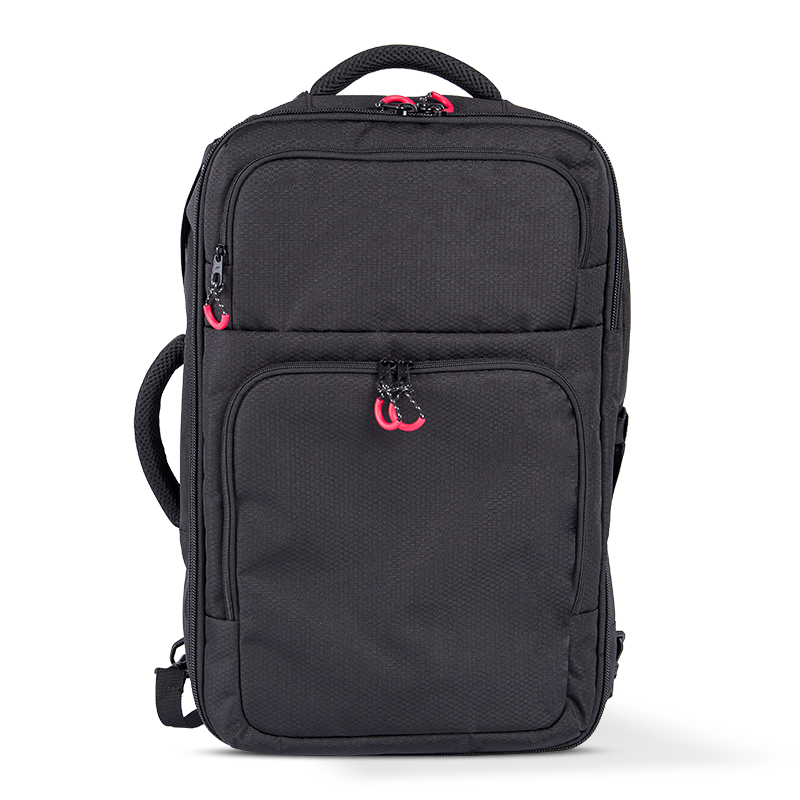
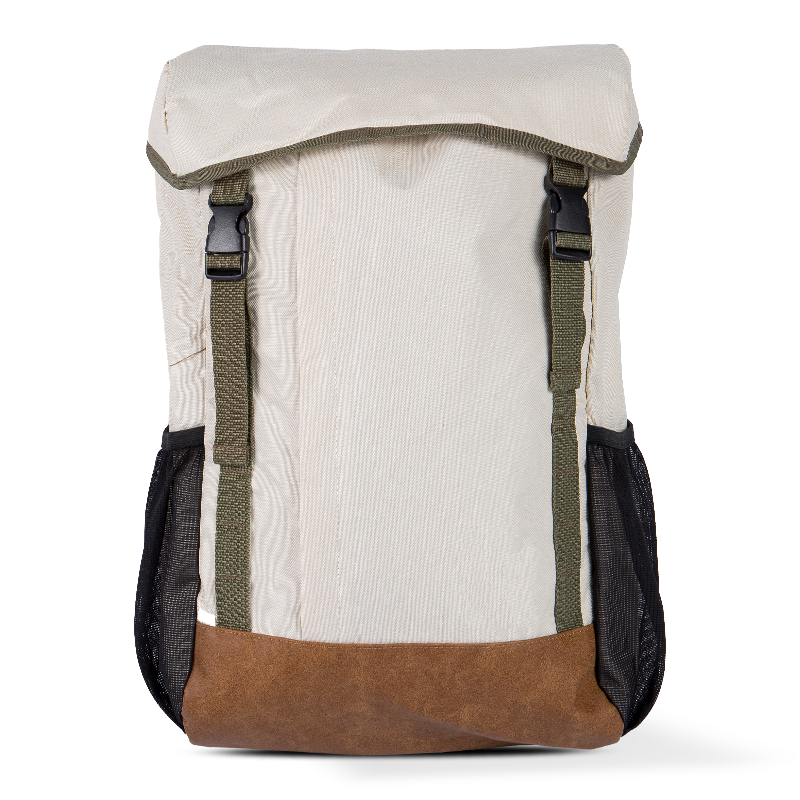
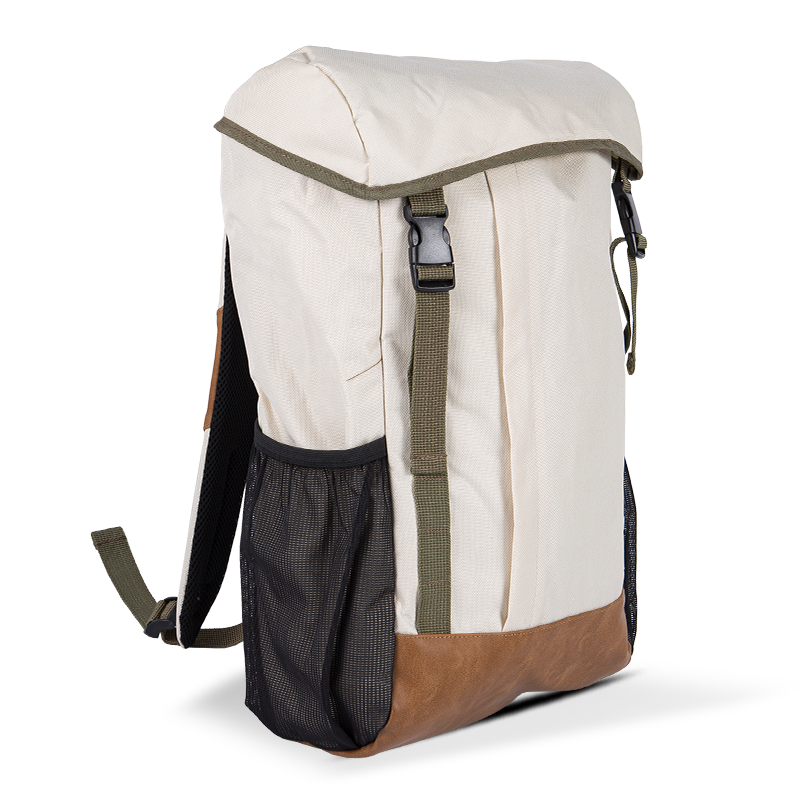
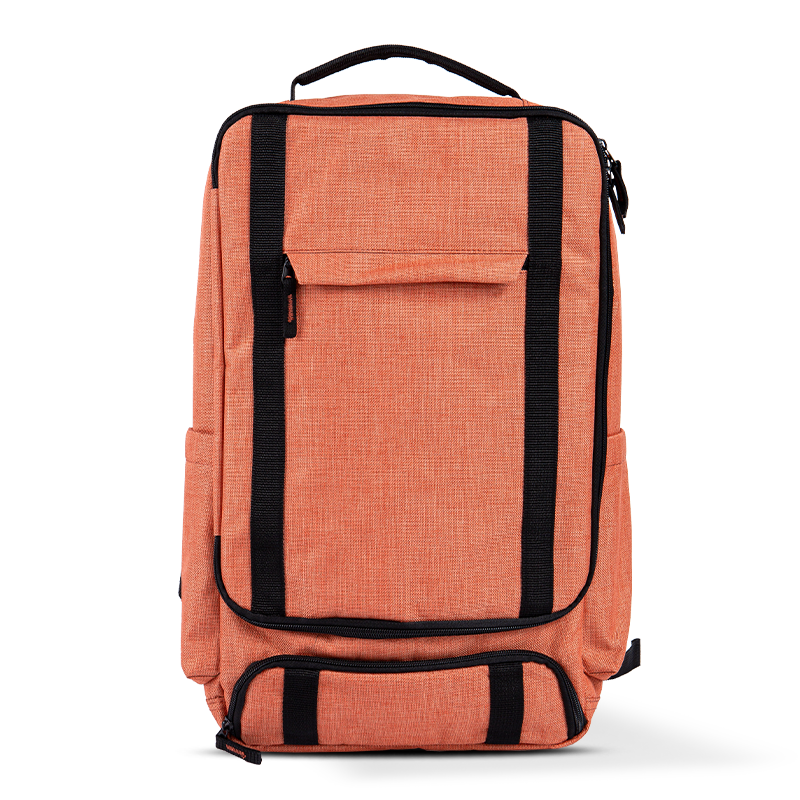
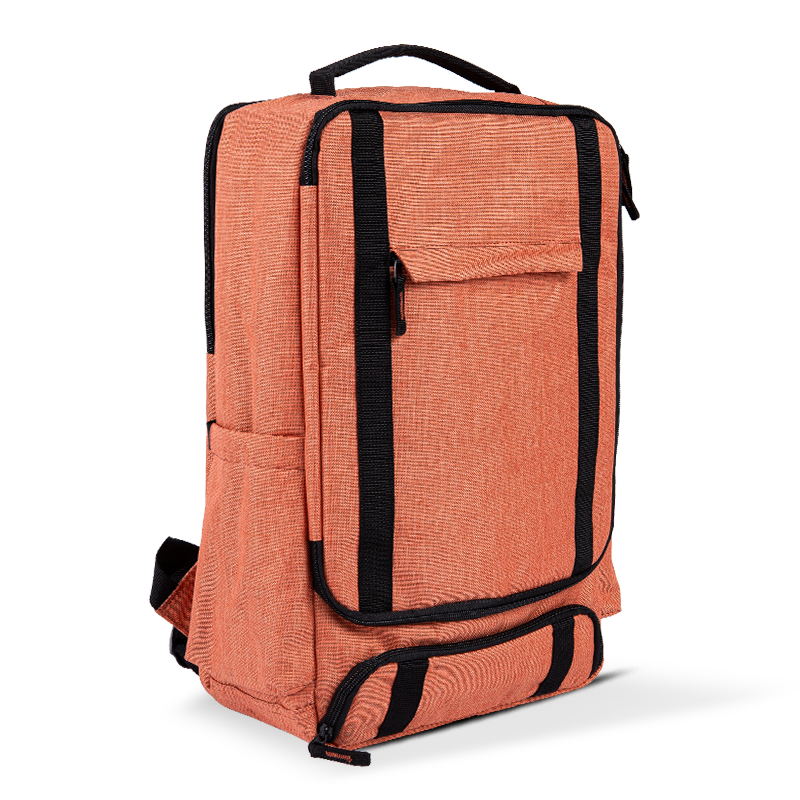
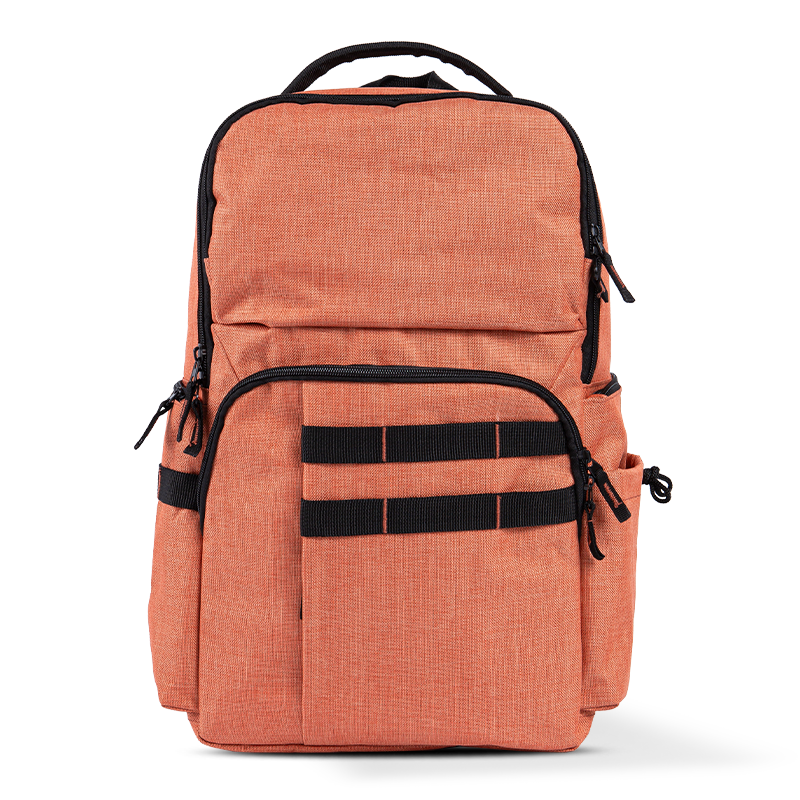
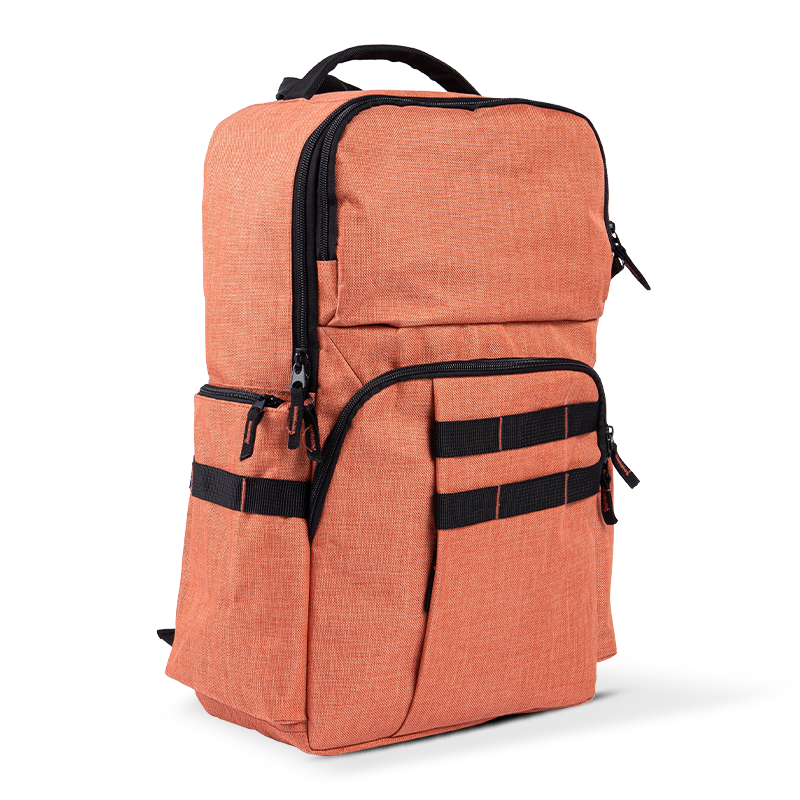
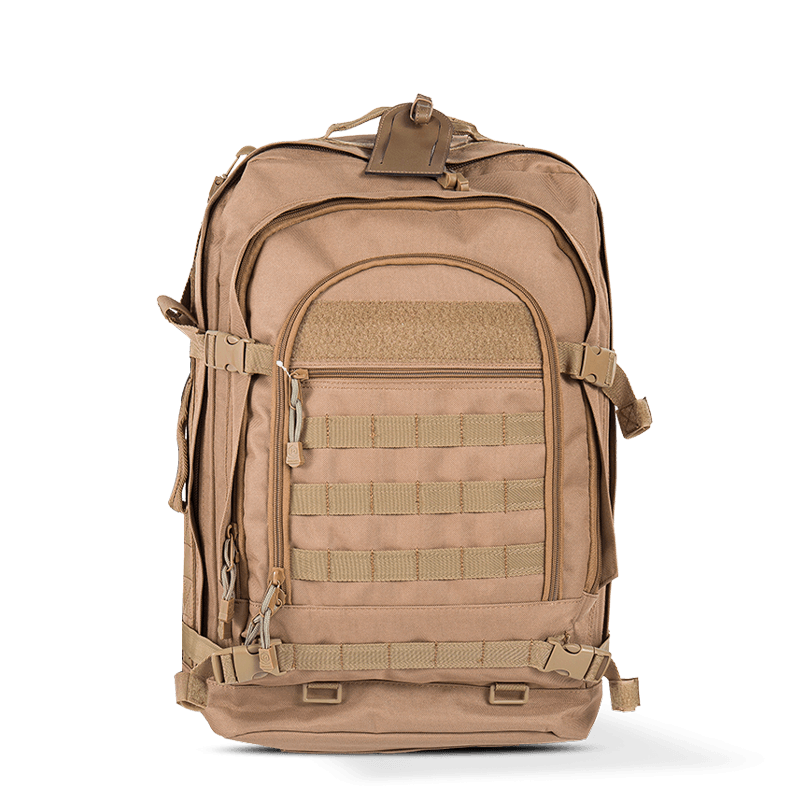
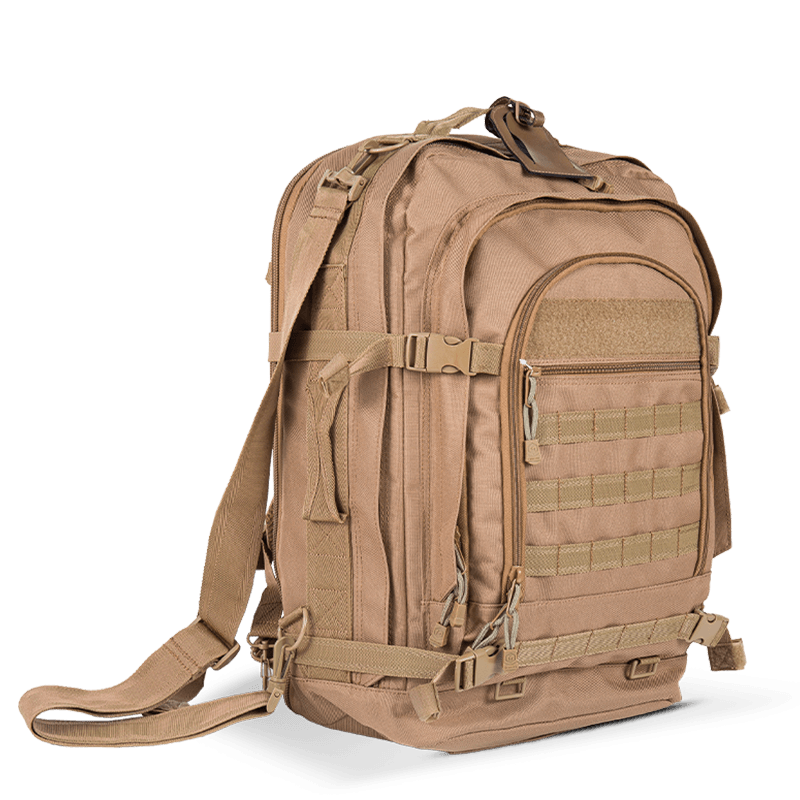
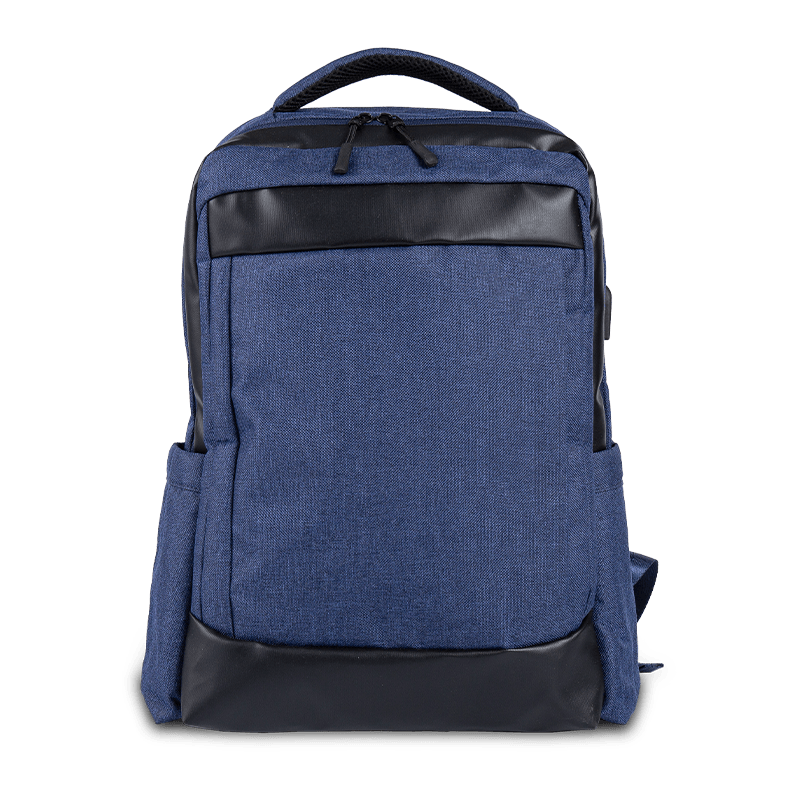
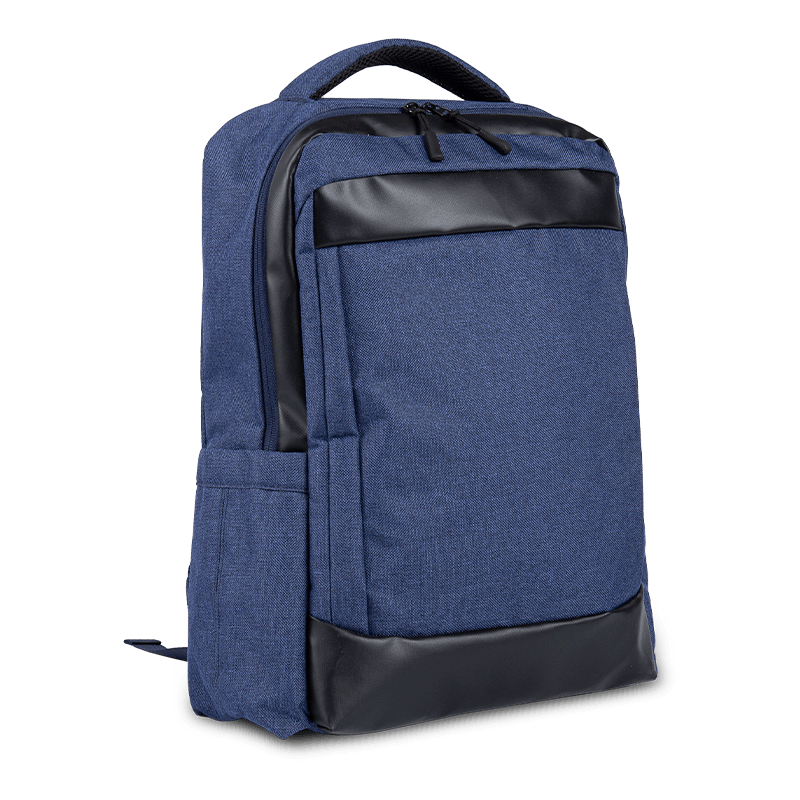
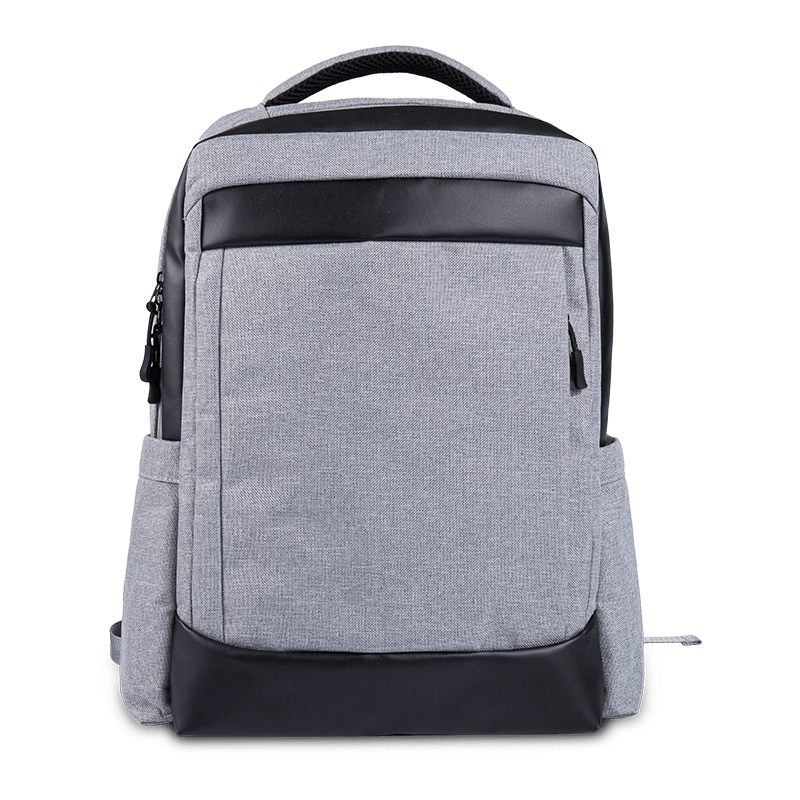
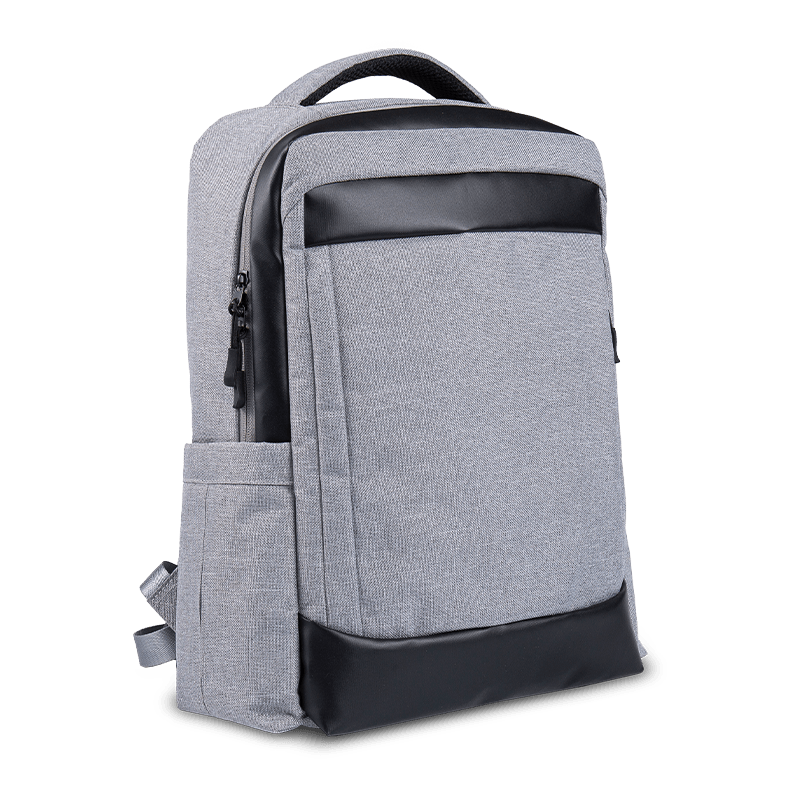
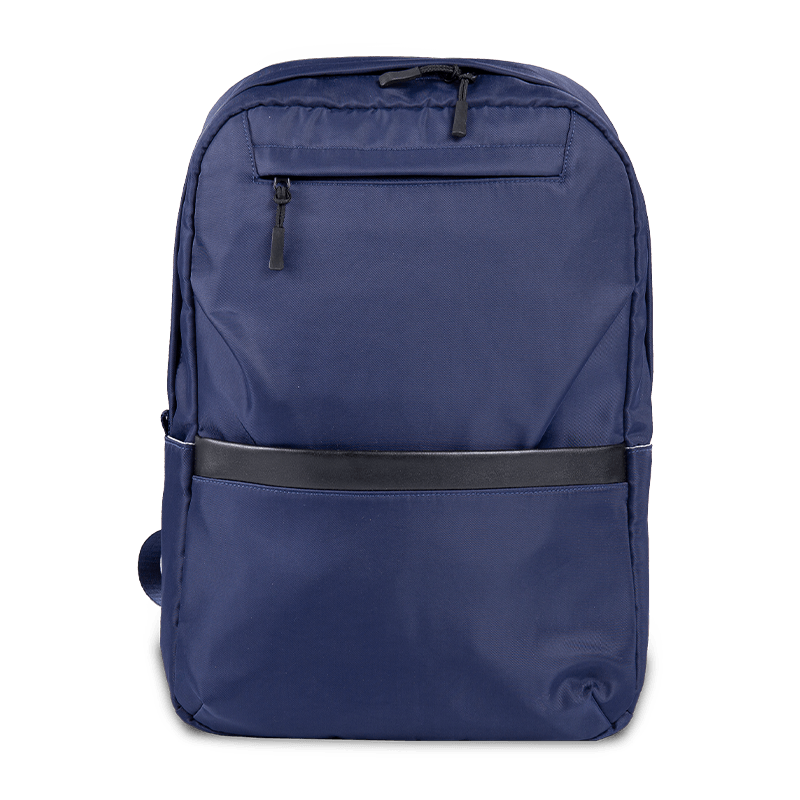
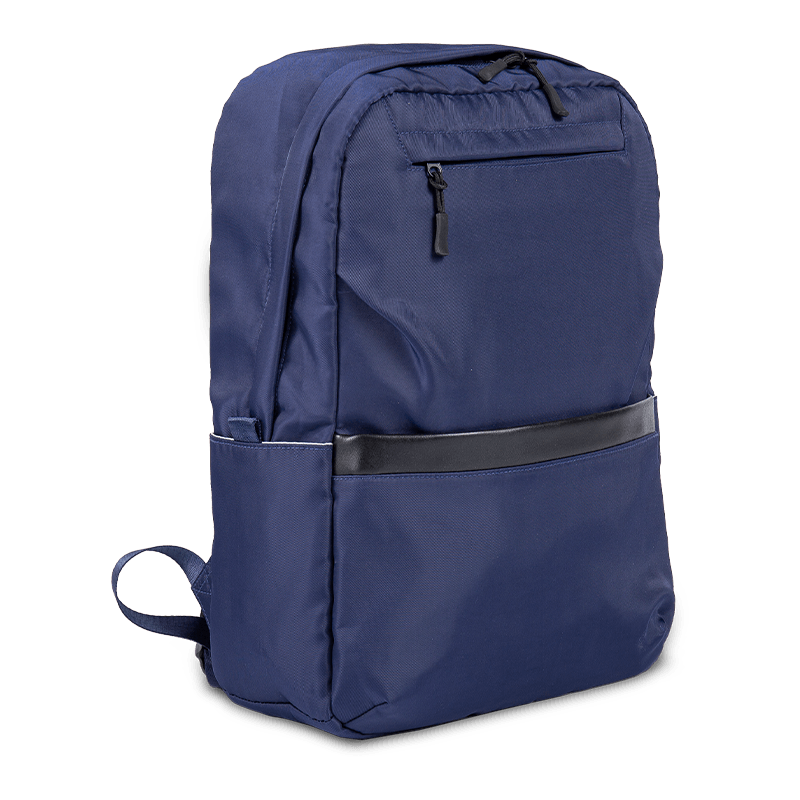
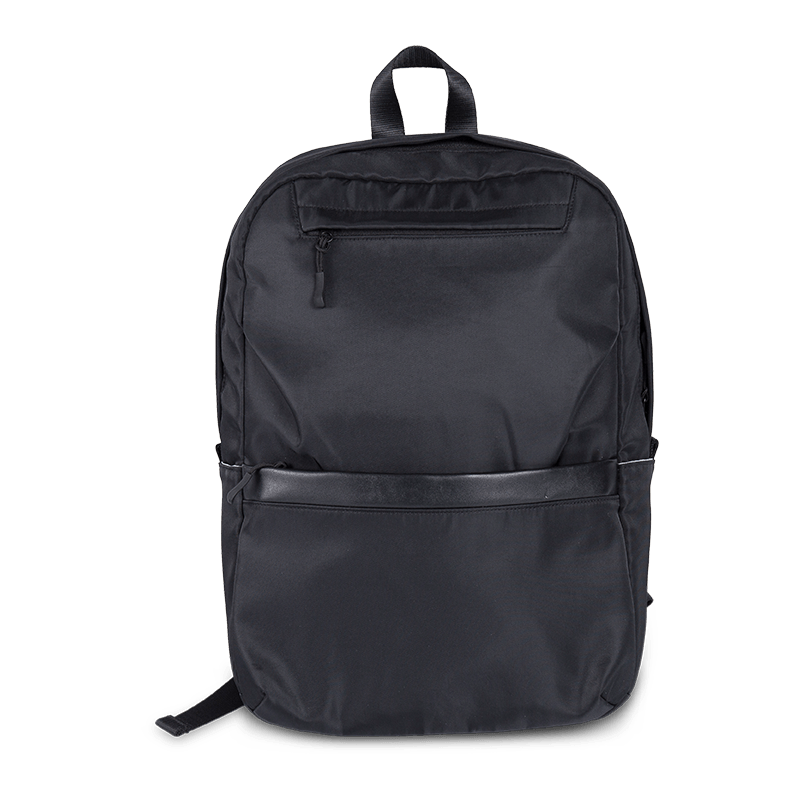
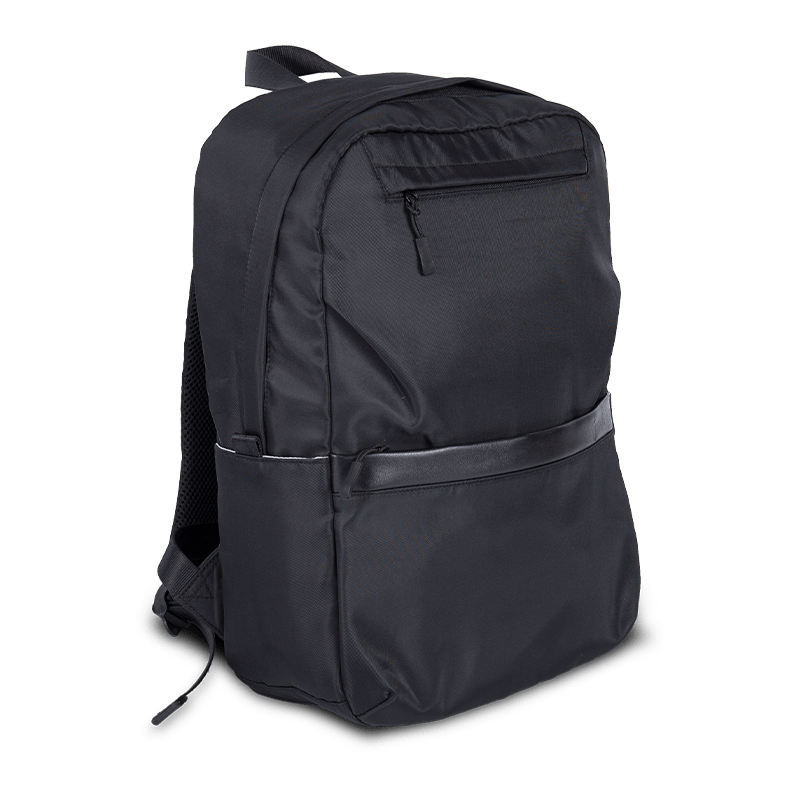
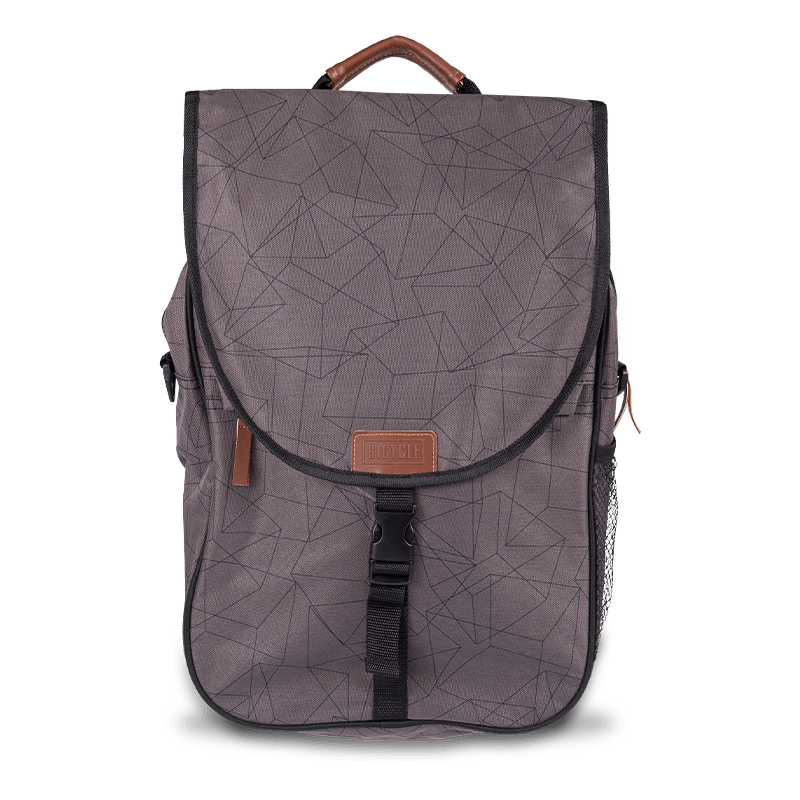
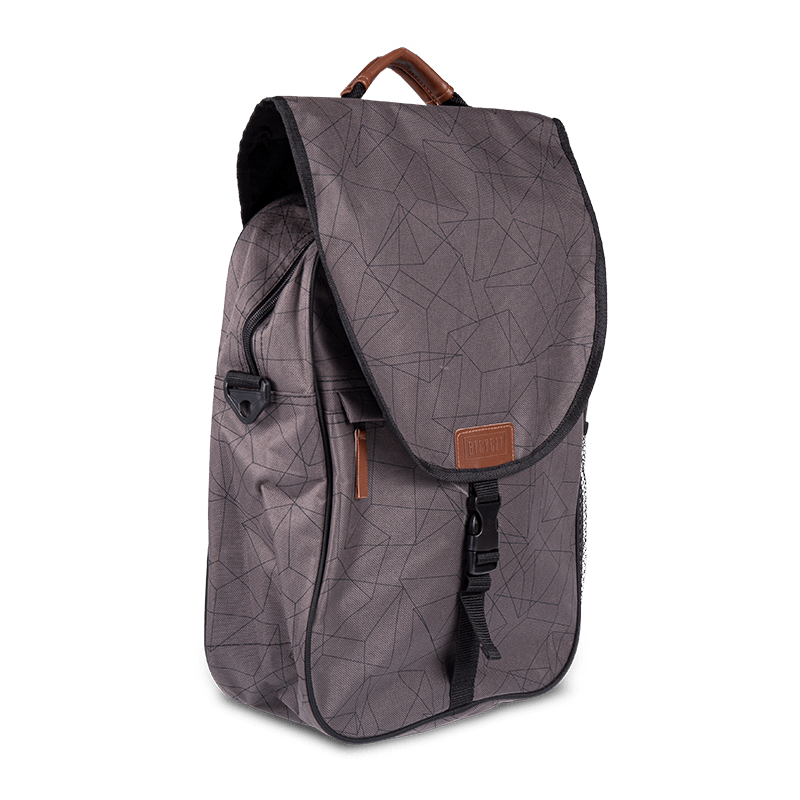
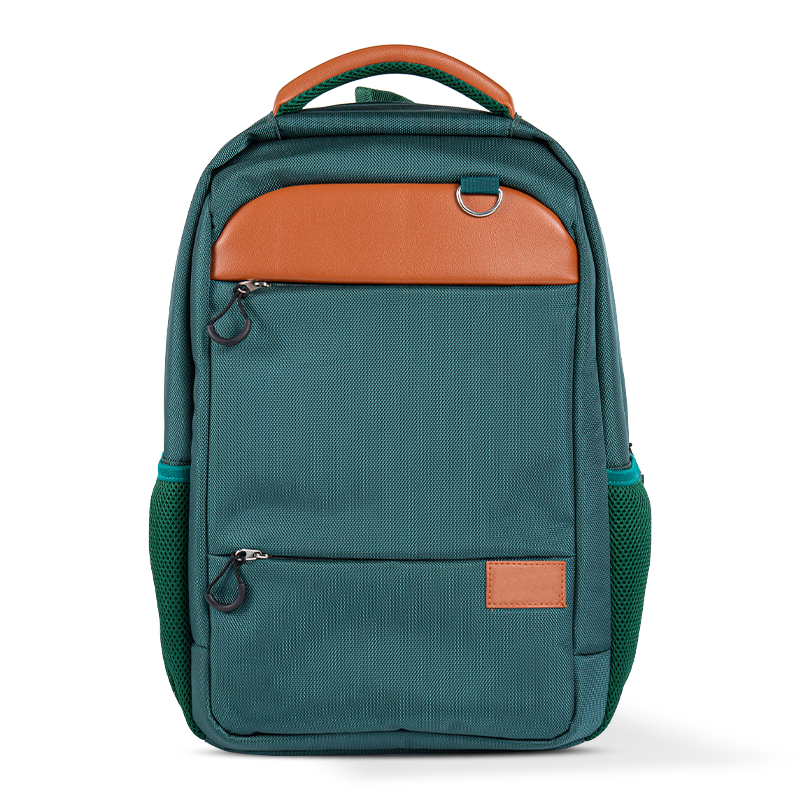
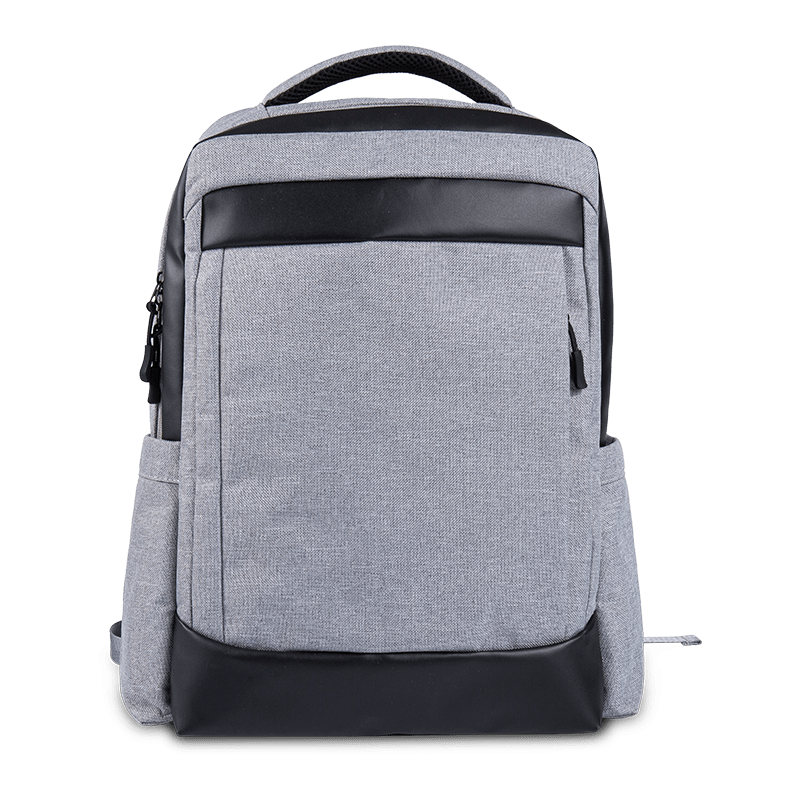
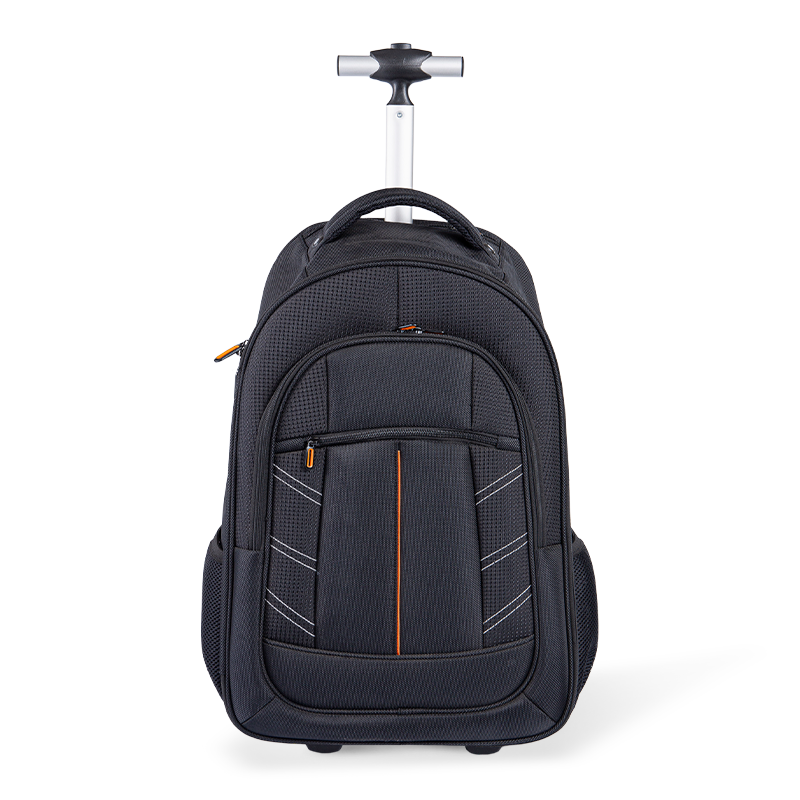
Computer backpacks distribute weight evenly across both shoulders, making them ideal for carrying laptops weighing 4-6 pounds plus accessories. They're particularly beneficial for commuters who walk or bike, as they keep hands free. Modern designs include padded laptop compartments that fit devices from 13 to 17 inches, with additional pockets for chargers, mice, and documents.
Premium models feature anti-theft zippers, USB charging ports, and water-resistant materials. The North Face Surge backpack and SwissGear ScanSmart are popular choices among tech professionals, offering dedicated laptop compartments with up to 15mm of padding.
Messenger Bags for Quick Access
Messenger bags provide swift access to your laptop and documents, making them preferred by business professionals who attend frequent meetings. These bags typically feature a single shoulder strap and a flap closure. While convenient, they place weight on one shoulder, which ergonomists recommend limiting to sessions under 30 minutes to avoid strain.
Top messenger bags like the Timbuk2 Classic and Chrome Industries Citizen include reinforced laptop sleeves and weather-resistant exteriors. They work best for laptops up to 15 inches and lighter loads.
Briefcases for Professional Settings
Traditional briefcases and modern laptop cases offer a polished appearance suitable for corporate environments. They feature structured designs with top handles and sometimes shoulder straps. Leather briefcases from brands like Samsonite and Kenneth Cole provide dedicated laptop compartments with protective foam inserts, while maintaining a professional aesthetic.
Sleeves and Slim Cases for Minimalists
Laptop sleeves offer basic protection in a compact format, ideal for those who carry their computer inside another bag. These typically provide 6-10mm of neoprene or foam padding and fit snugly around your device. Brands like Tomtoc and Nacuwa produce affordable sleeves ranging from $15-$40 that protect against scratches and minor impacts.
Essential Features to Consider When Buying
Padding and Protection Levels
Adequate padding is non-negotiable for computer bags. Look for bags with at least 10mm of foam padding on all sides of the laptop compartment. High-quality bags feature multi-layer protection systems combining foam, fleece lining, and reinforced corners. Some premium models include shock-absorbing technology that can withstand drops from up to 4 feet.
Size and Compatibility
Measure your laptop before purchasing. Computer bags are sized by screen diagonal measurement. A 15.6-inch laptop typically measures approximately 14.5 x 10 x 1 inches. Choose a bag that accommodates your laptop with 0.5-1 inch of clearance on each side to prevent sliding during movement while ensuring a snug fit.
| Laptop Screen Size | Typical Dimensions | Recommended Bag Size |
|---|---|---|
| 13 inches | 12 x 8.5 x 0.8 inches | 13-14 inch bag |
| 15.6 inches | 14.5 x 10 x 1 inches | 15.6-16 inch bag |
| 17 inches | 16 x 11 x 1.2 inches | 17-18 inch bag |
Material Durability and Weather Resistance
Computer bag materials range from ballistic nylon to leather, each offering different benefits. Ballistic nylon provides exceptional tear resistance at 400-1000 denier, while canvas offers eco-friendly durability. For weather protection, seek bags with water-resistant coatings rated IPX4 or higher, which can withstand rain for up to 10 minutes without internal moisture.
Organizational Compartments
Effective organization prevents cable tangles and accessory damage. Quality computer bags include:
- Dedicated laptop sleeve with secure closure
- Tablet pocket for devices up to 11 inches
- Cable organizer panel with elastic loops
- Accessory pouches for mice, USB drives, and adapters
- Document compartment for papers and notebooks
Ergonomic Design Elements
Comfort matters, especially if you carry your bag for extended periods. Ergonomic features include padded shoulder straps at least 2 inches wide, breathable back panels with air channels, and sternum or waist straps for backpacks. Adjustable straps allow proper weight distribution, reducing neck and back strain by up to 40% compared to non-ergonomic designs.
Price Ranges and What to Expect
Computer bags span a wide price spectrum, from budget options under $30 to premium models exceeding $300. Understanding what each price tier offers helps you make an informed decision based on your needs and budget.
Budget Tier: $20-$50
Entry-level computer bags provide basic protection with 5-8mm padding and simple organizational pockets. Brands like AmazonBasics and Case Logic dominate this segment. These bags work adequately for occasional use or light commuting but typically lack advanced features like weather resistance or reinforced construction. Expect materials such as standard polyester with limited durability warranties.
Mid-Range: $50-$150
This sweet spot offers the best value for most users. Mid-range bags feature 10-15mm padding, water-resistant materials, multiple compartments, and brand warranties ranging from 1-3 years. Popular options include Targus, SwissGear, and Samsonite models with enhanced organizational systems, comfortable straps, and durable construction that withstands daily use for 2-4 years.
Premium Tier: $150-$300+
High-end computer bags incorporate premium materials like full-grain leather, ballistic nylon rated at 1000+ denier, and advanced features such as TSA-approved laptop compartments, anti-theft RFID pockets, and lifetime warranties. Brands like Tumi, Peak Design, and Waterfield Designs cater to professionals seeking superior craftsmanship and longevity exceeding 5 years. These bags often include innovative features like modular attachments, hidden pockets, and superior weight distribution systems.
Special Considerations for Different Users
Students and Academic Professionals
Students benefit from computer bags with book compartments and water bottle holders. Backpack styles work best for campus navigation, especially models with external USB ports for charging devices between classes. Look for bags under $100 that balance durability with affordability, as student budgets typically require cost-effective solutions lasting 2-3 years.
Business Travelers and Commuters
Frequent travelers need TSA-friendly designs that allow airport security screening without laptop removal. Bags with luggage pass-through straps attach securely to rolling suitcases. Premium business bags include RFID-blocking pockets protecting credit cards and passports from electronic theft. Brands like Briggs & Riley and Tumi design specifically for this demographic, with features supporting business trips lasting 1-5 days.
Creative Professionals and Photographers
Designers and photographers require bags accommodating both laptops and equipment like cameras, tablets, or drawing tablets. Hybrid bags from Peak Design and Lowepro feature customizable dividers and dedicated tech compartments. These professionals prioritize quick access and equipment protection, often investing in bags exceeding $200 that support gear worth thousands of dollars.
Remote Workers and Digital Nomads
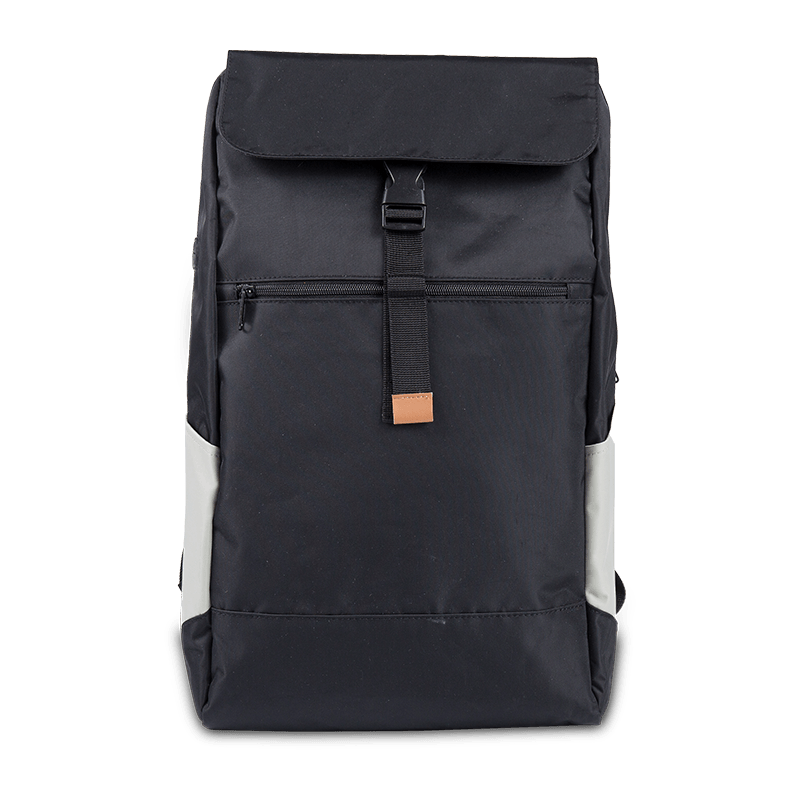
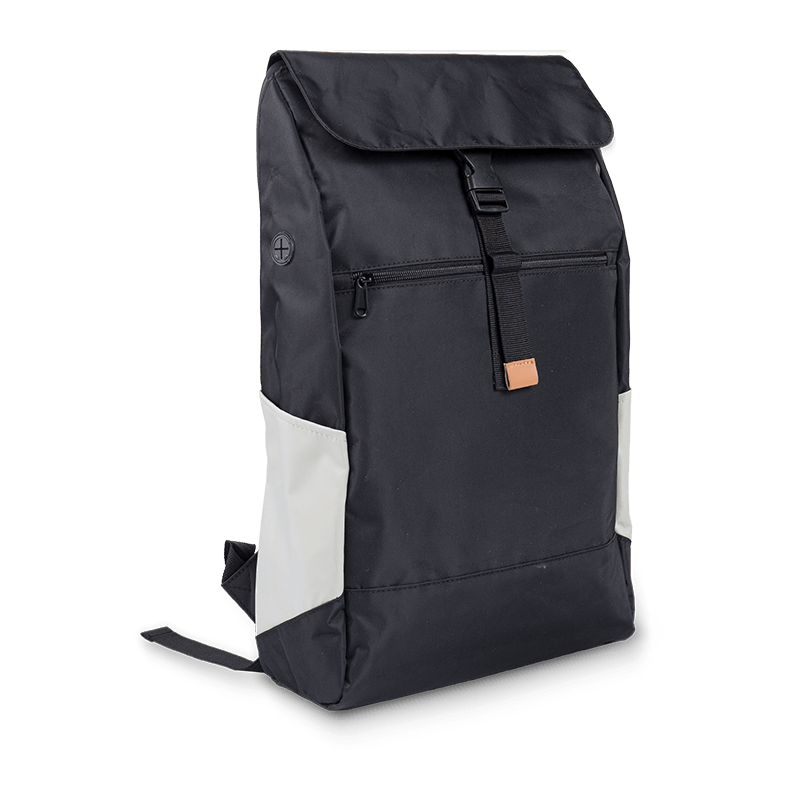
Remote workers moving between locations need versatile computer bags doubling as everyday carry options. Look for bags with 15-25 liter capacity that accommodate a laptop, chargers, headphones, and personal items. Water resistance becomes critical for unpredictable weather conditions. Brands like Aer and Bellroy design minimalist bags suitable for coffee shops, coworking spaces, and travel.
Maintenance Tips to Extend Your Bag's Lifespan
Proper care significantly extends computer bag longevity. Regular maintenance prevents material degradation and maintains protective capabilities. Follow these proven strategies to maximize your investment:
- Clean regularly: Vacuum interior compartments monthly to remove dust and debris. Spot-clean exterior stains immediately with mild soap and water.
- Avoid overloading: Exceeding weight recommendations by more than 20% strains zippers and seams, reducing bag lifespan by up to 50%.
- Store properly: When not in use, stuff bags with paper to maintain shape and store in cool, dry locations away from direct sunlight.
- Treat materials: Apply water-repellent spray every 6 months to maintain weather resistance. Use leather conditioner quarterly on leather bags.
- Inspect regularly: Check zippers, stitching, and straps monthly for wear. Address small repairs immediately to prevent major damage.
Data shows that bags receiving regular maintenance last 2-3 times longer than neglected ones. Simple preventive care transforms a 2-year bag into a 5-year investment.
Making Your Final Decision
Choosing the right computer bag requires balancing protection, functionality, comfort, and style. Start by identifying your primary use case: daily commuting, business travel, student life, or casual use. Measure your laptop dimensions precisely and select a bag size allowing proper fit with minimal movement.
Prioritize protection features appropriate to your laptop's value. A $2,000 laptop justifies investing in a $150+ bag with superior padding and weather resistance. Budget laptops under $500 work well with mid-range bags offering adequate protection. Consider your physical needs—backpacks for longer carries, messenger bags for quick access, briefcases for professional settings.
Read verified customer reviews focusing on long-term durability and real-world protection rather than aesthetic preferences. Check warranty coverage, as reputable brands stand behind their products with guarantees ranging from 1 year to lifetime. Remember that the best computer bag is one you'll use consistently—if it's uncomfortable or impractical, even the highest quality bag fails its purpose.
Invest in quality once rather than replacing cheap bags repeatedly. A well-chosen computer bag protects your technology investment, supports your body during transport, and serves reliably for years. The right bag becomes an essential tool in your daily routine, not just an accessory.