



 English
 Español
 عربى
عربىContent
Understanding Different Types of Computer Bags
Choosing the right computer bag begins with understanding the types available. Computer bags are not one-size-fits-all; their design, materials, and functionality vary depending on your needs. The most common types include backpacks, messenger bags, briefcases, and tote bags, each serving a unique purpose.
Laptop Backpacks
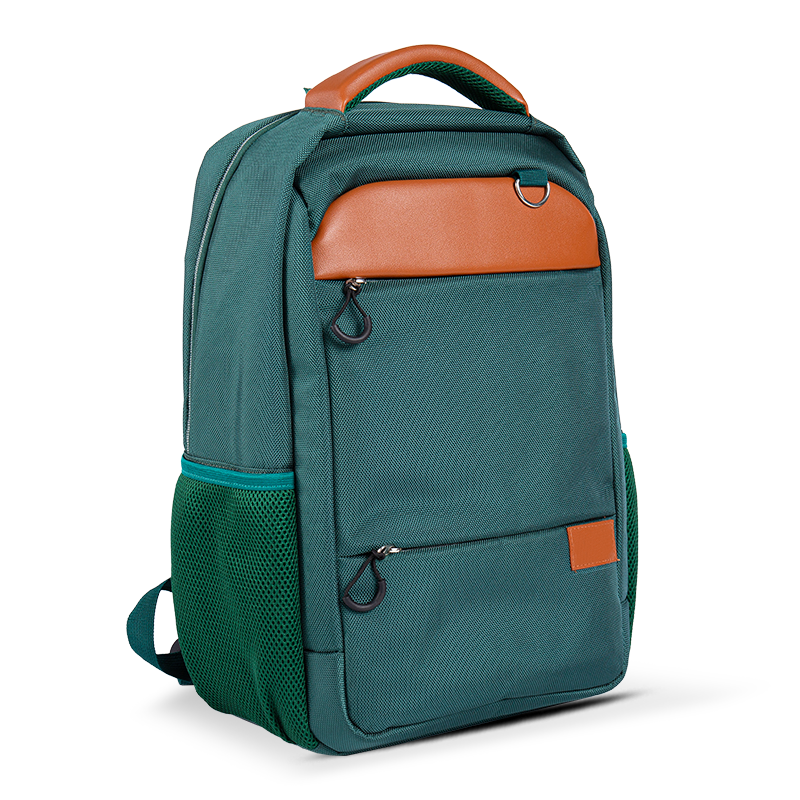
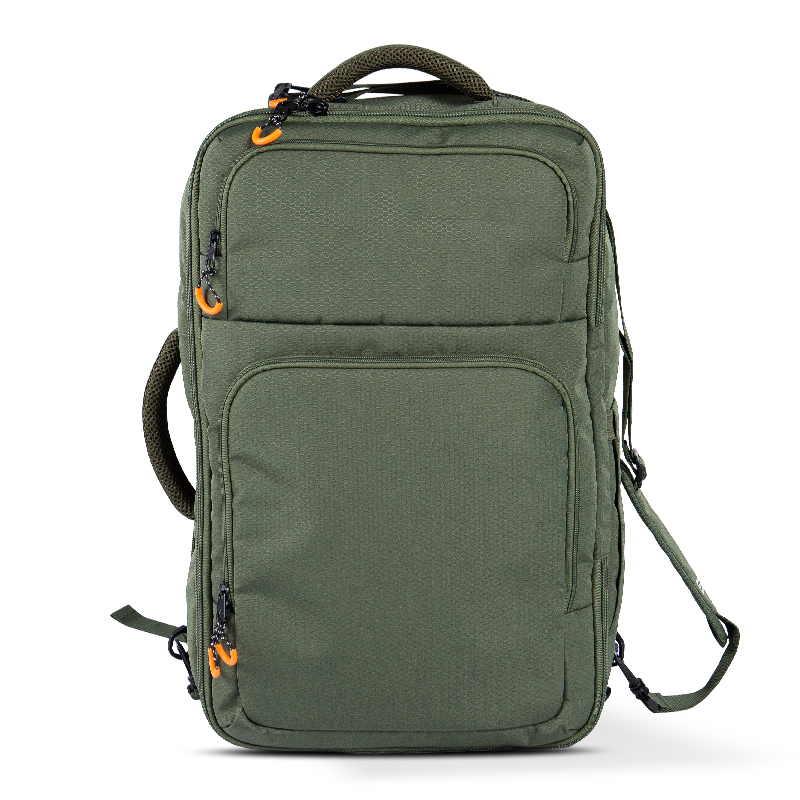
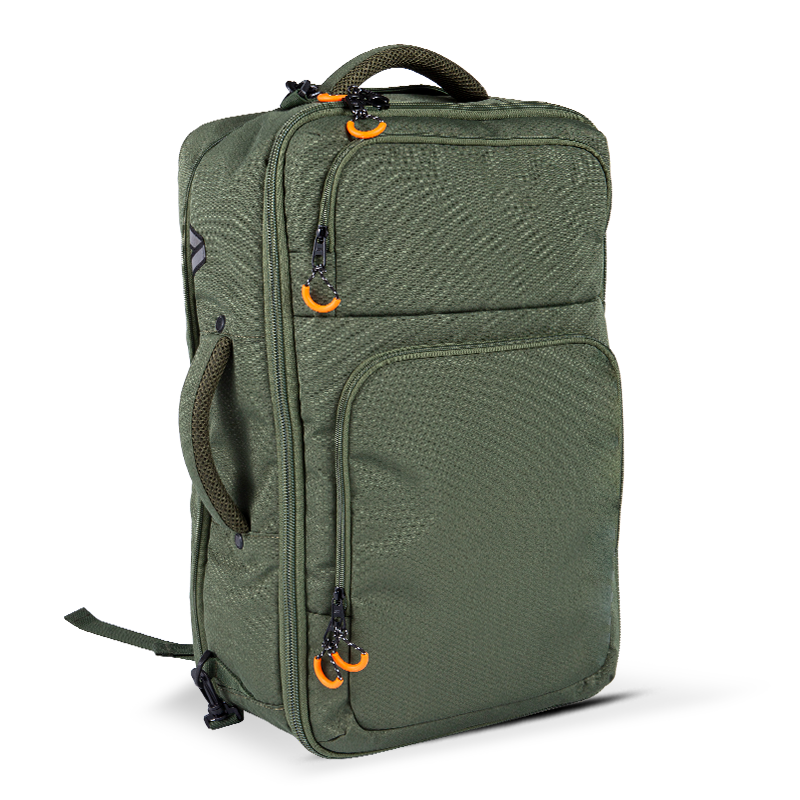
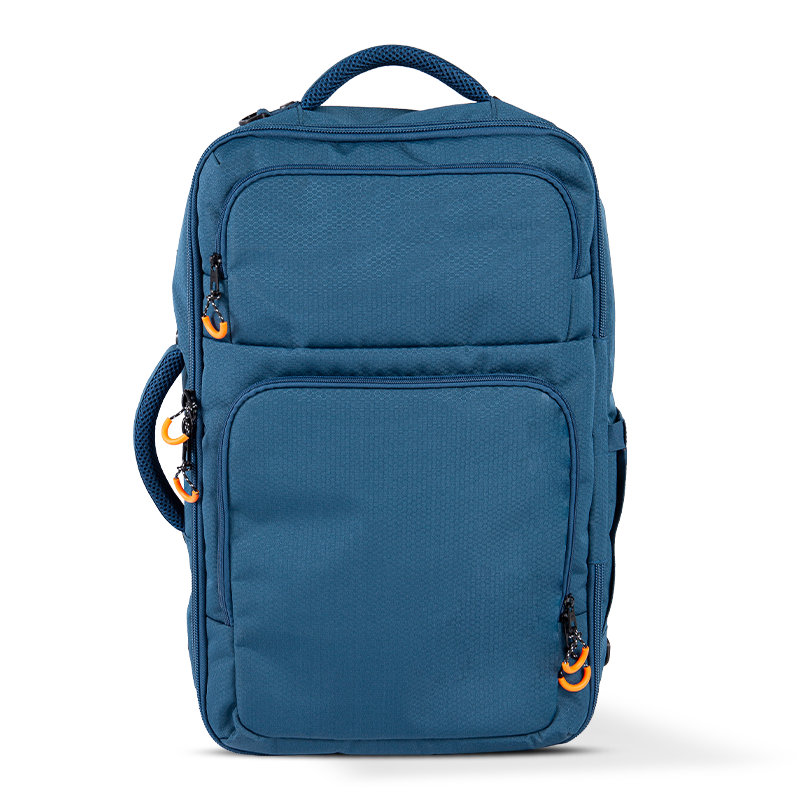
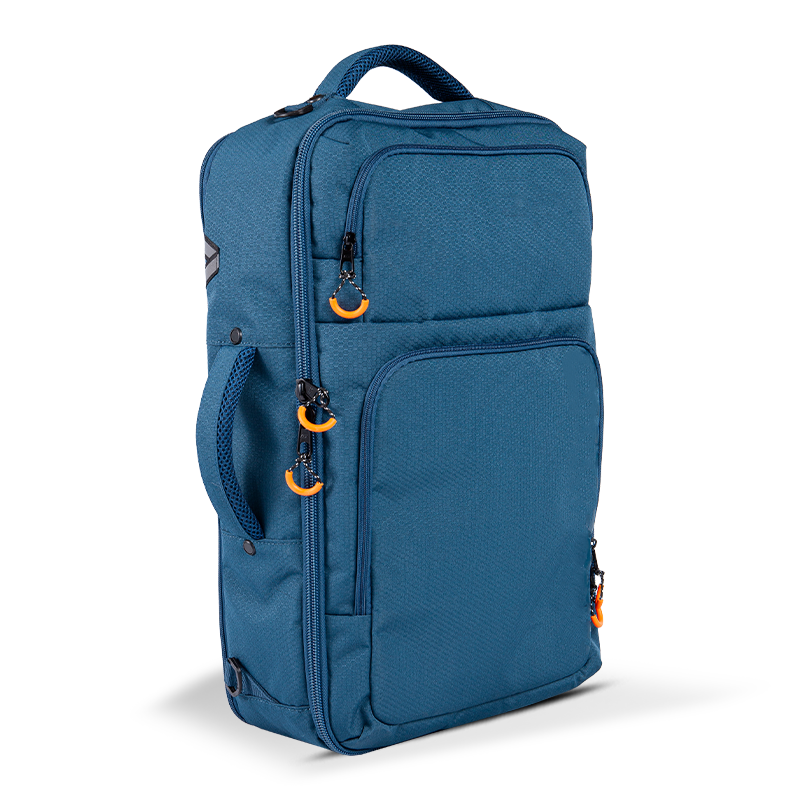
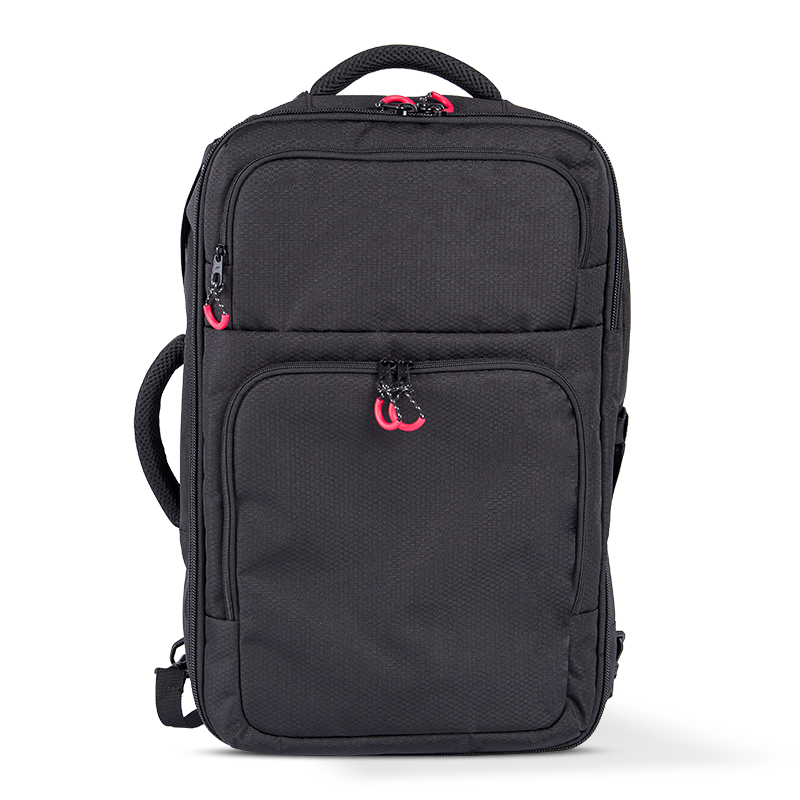
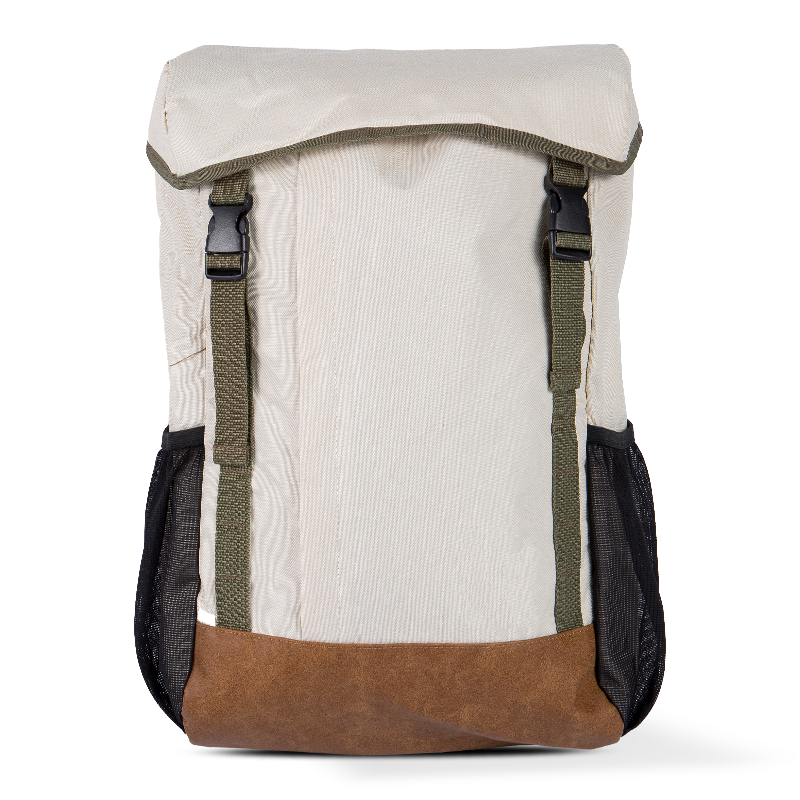
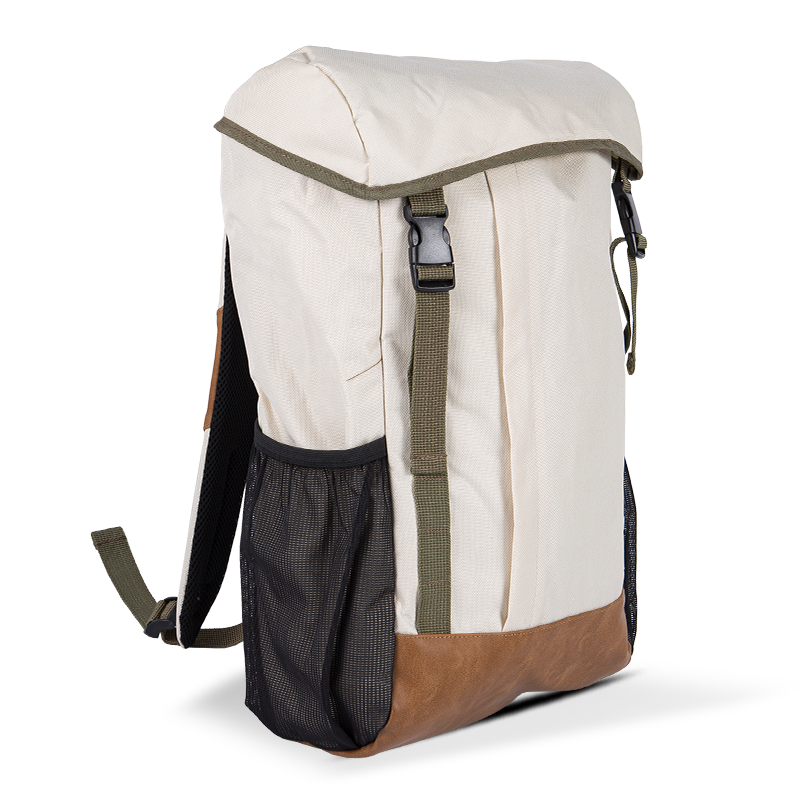
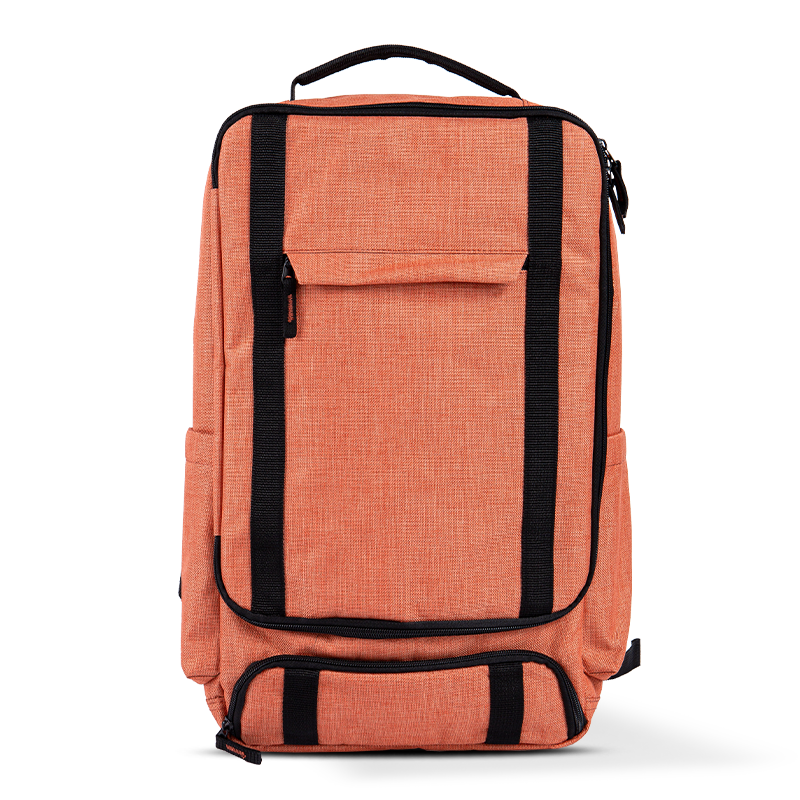
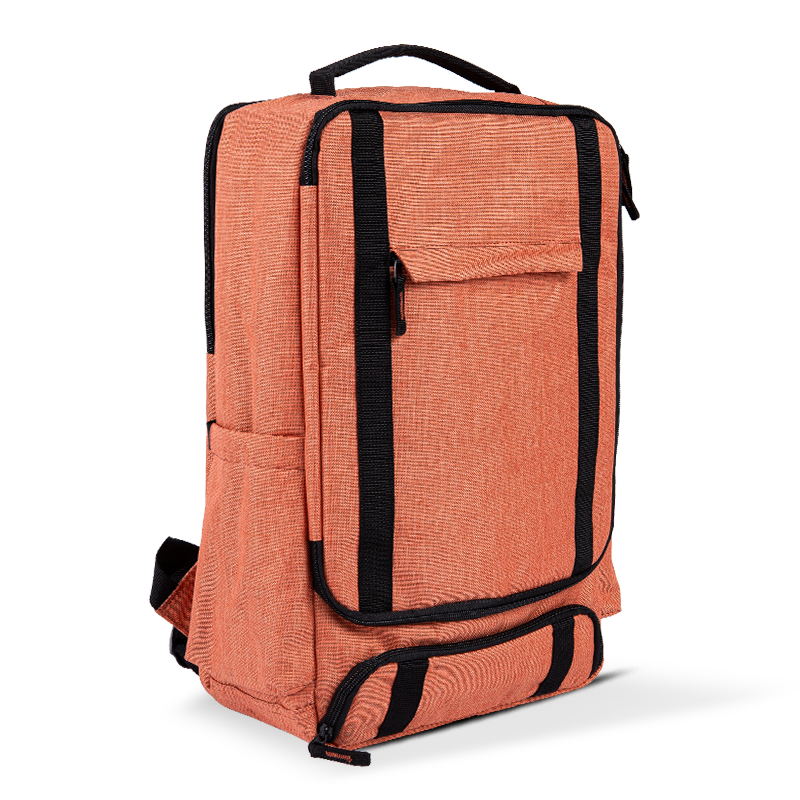
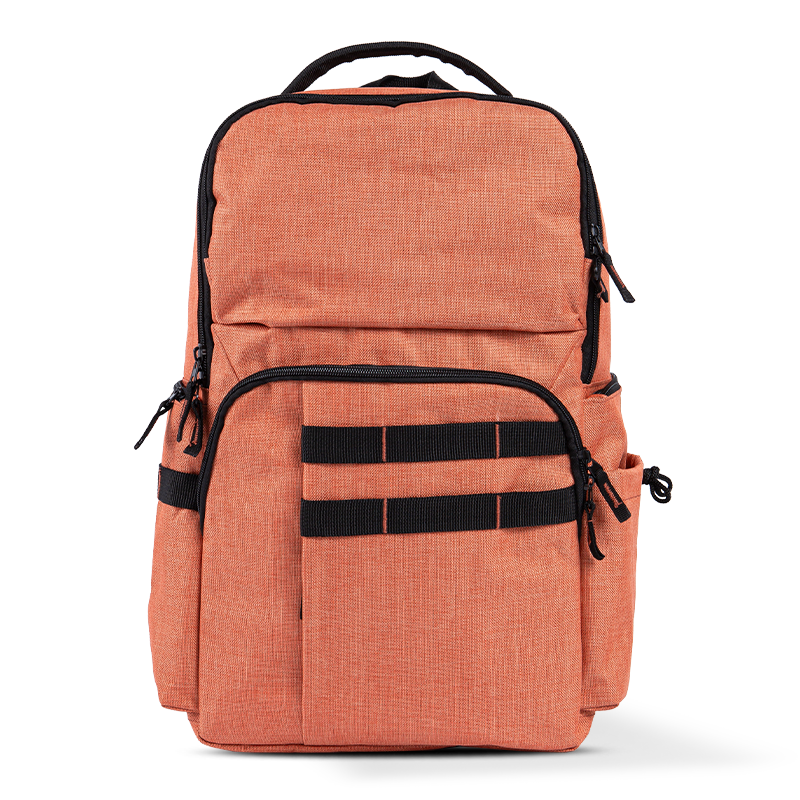
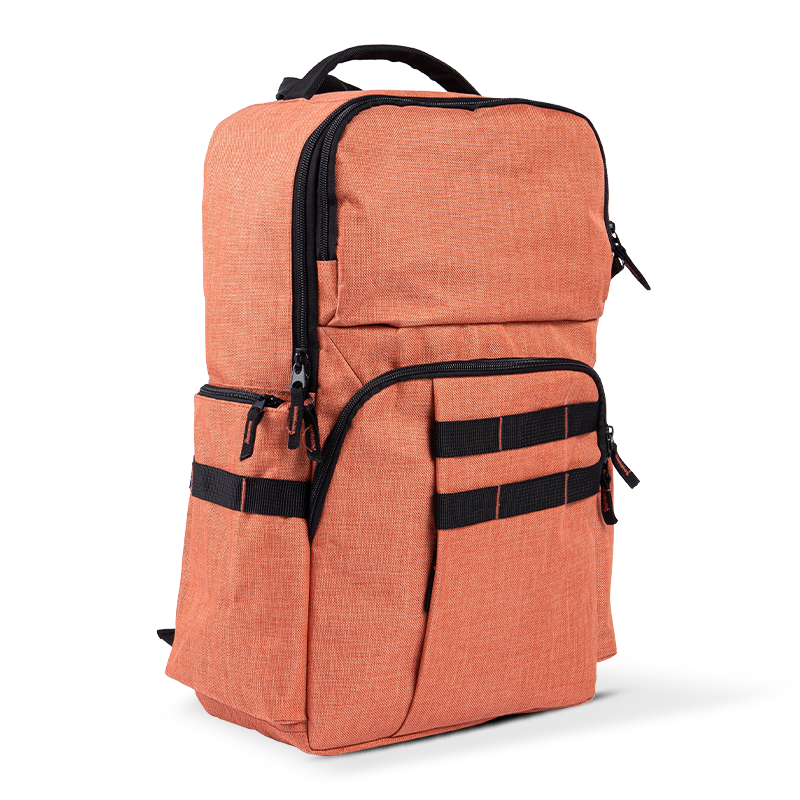
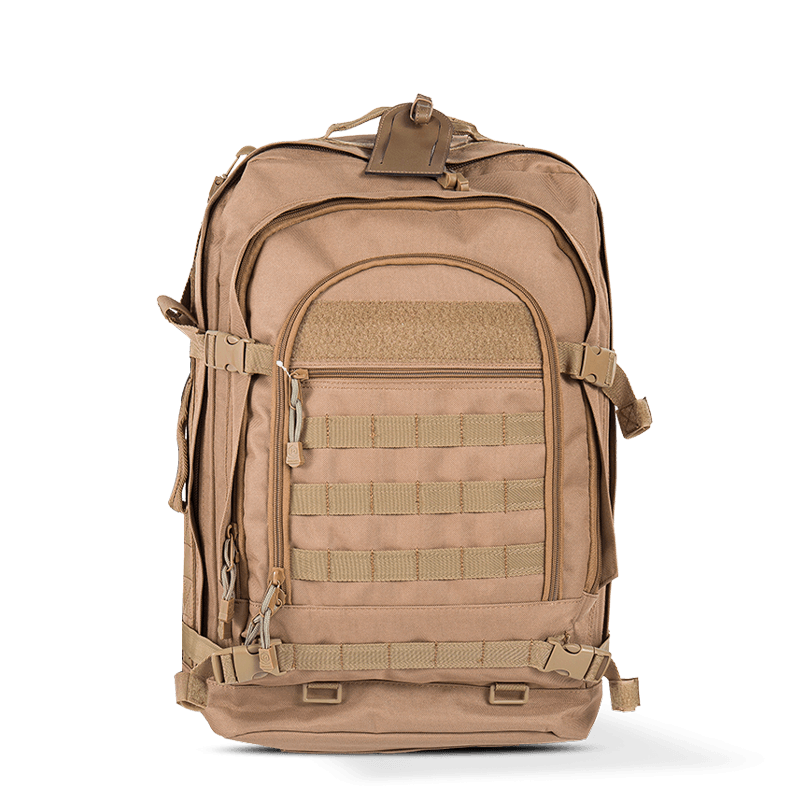
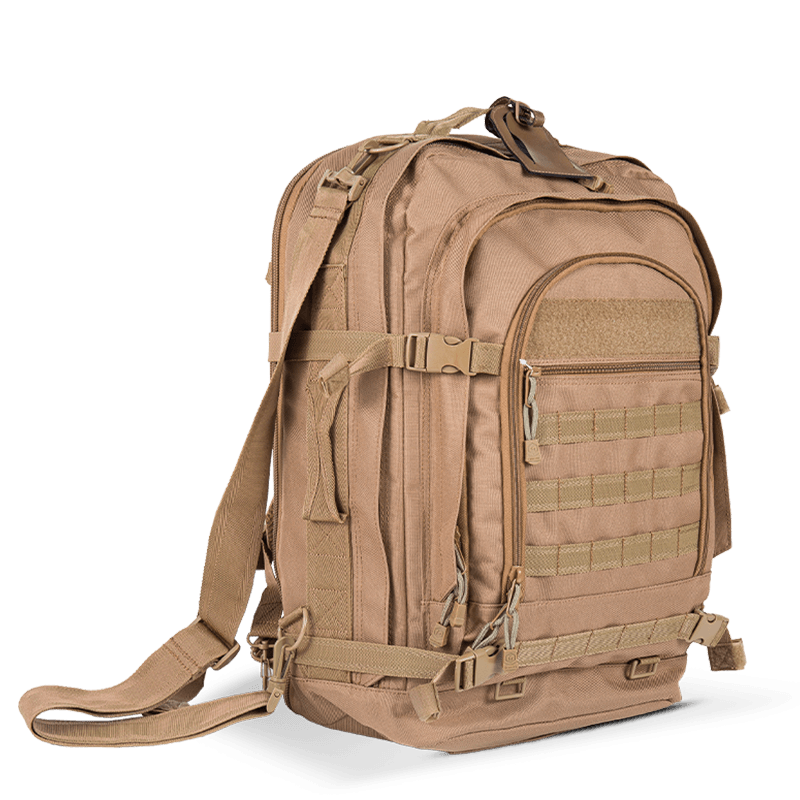
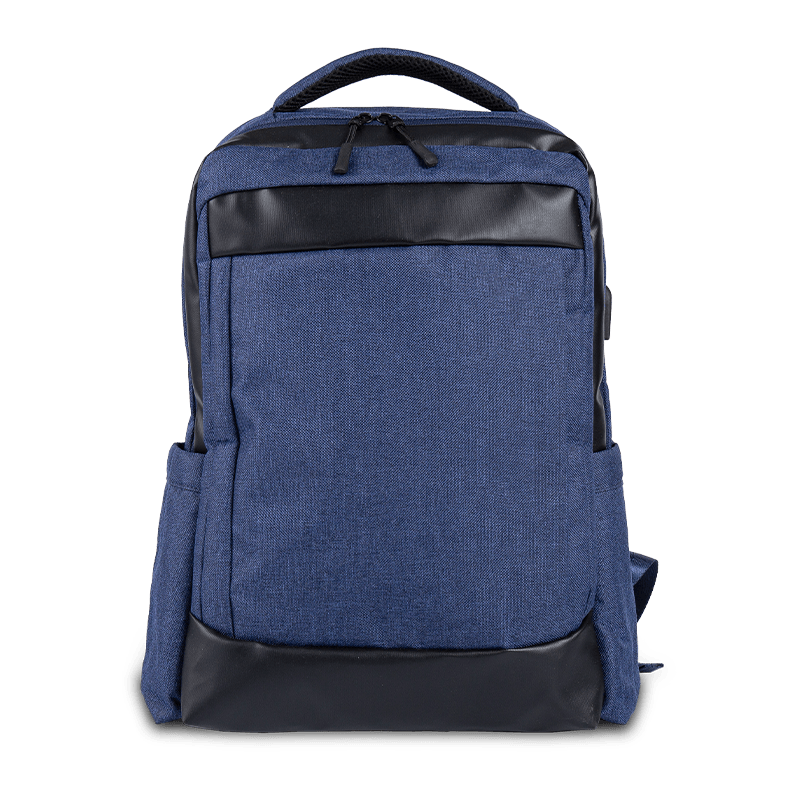
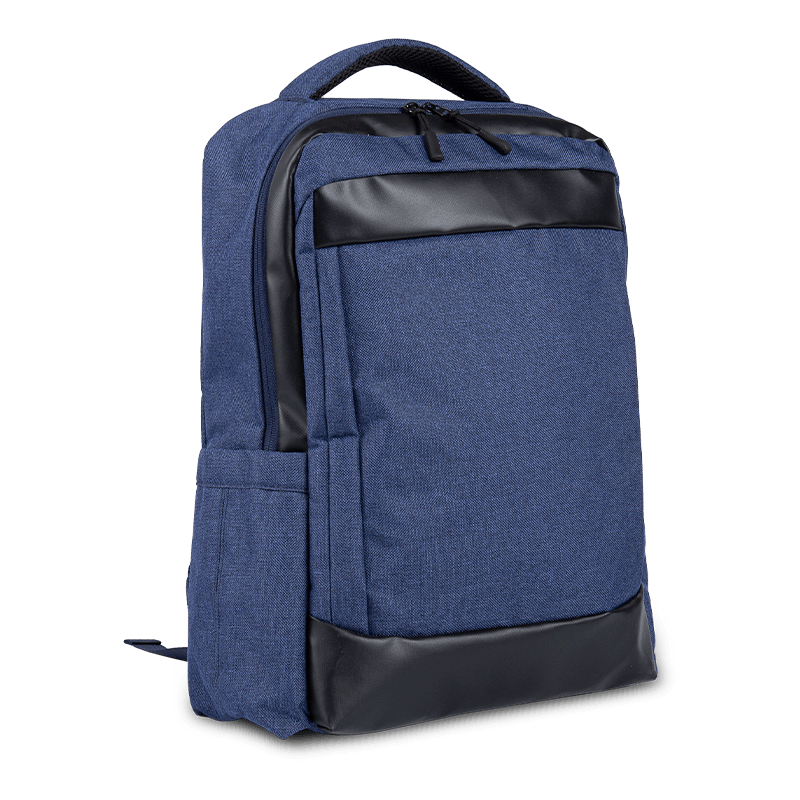
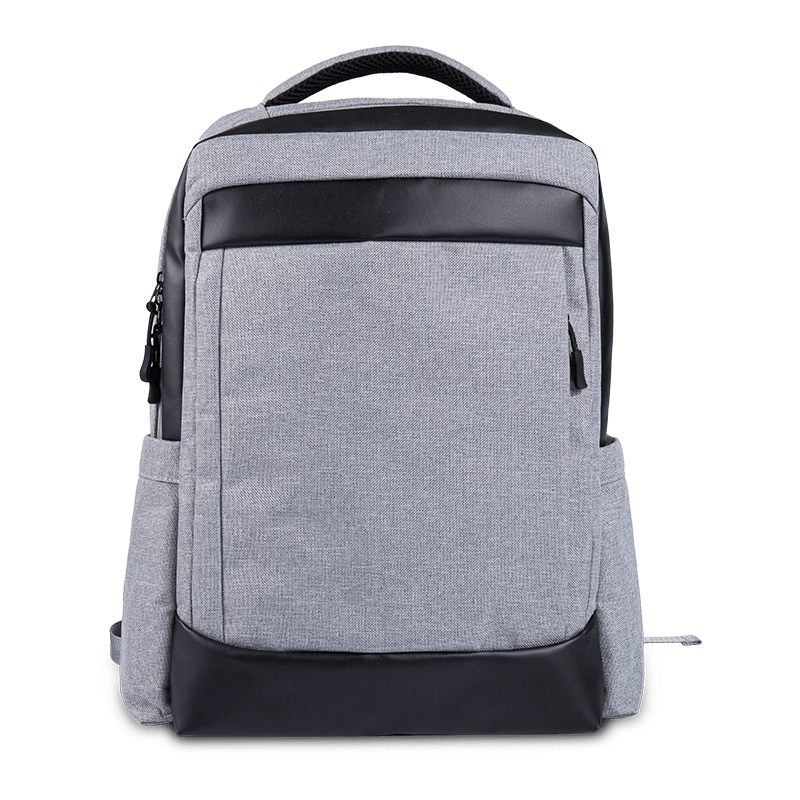
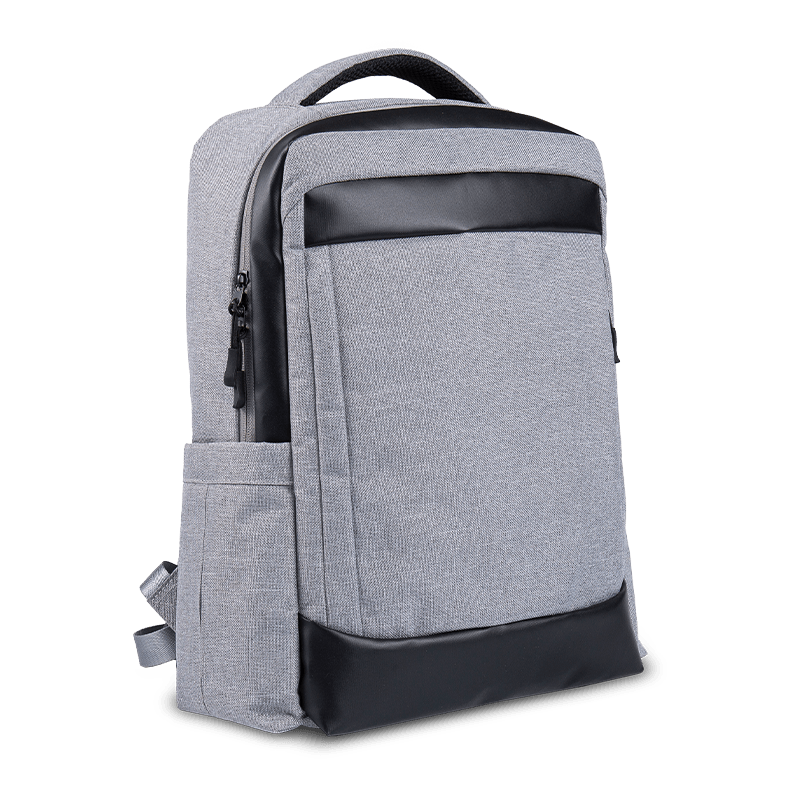
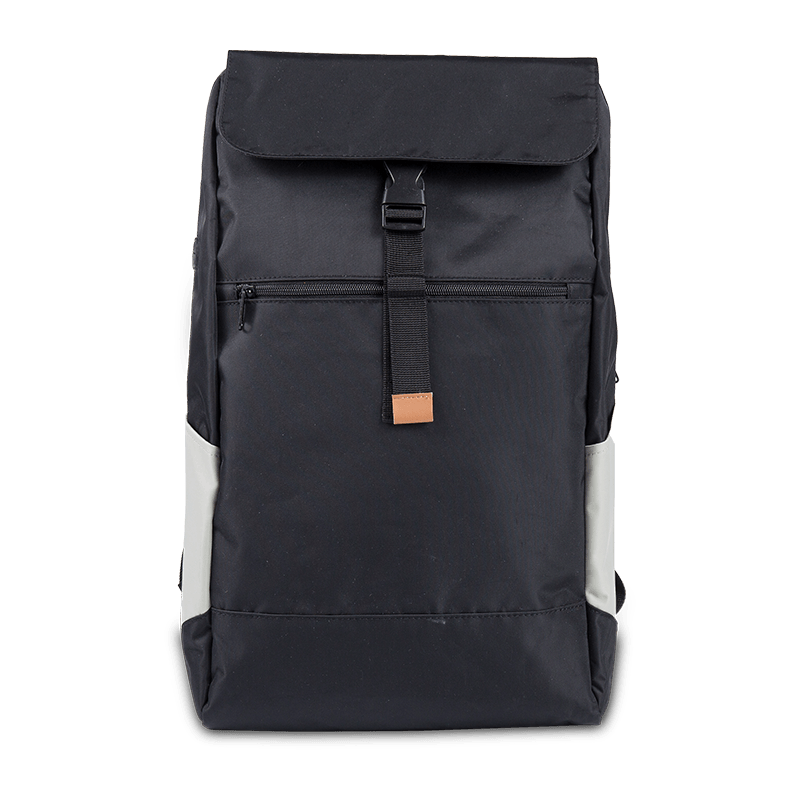
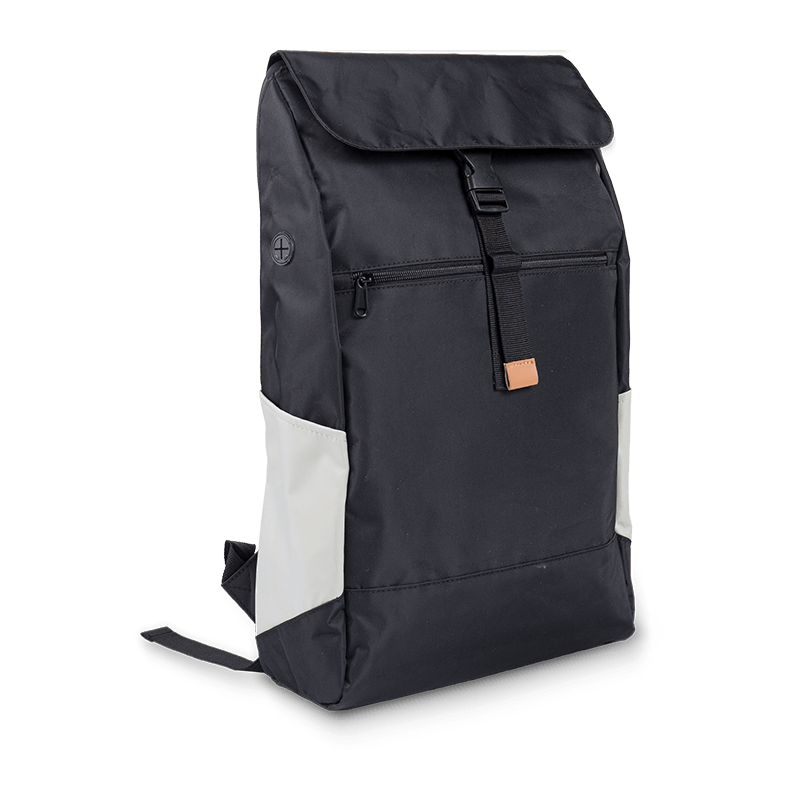
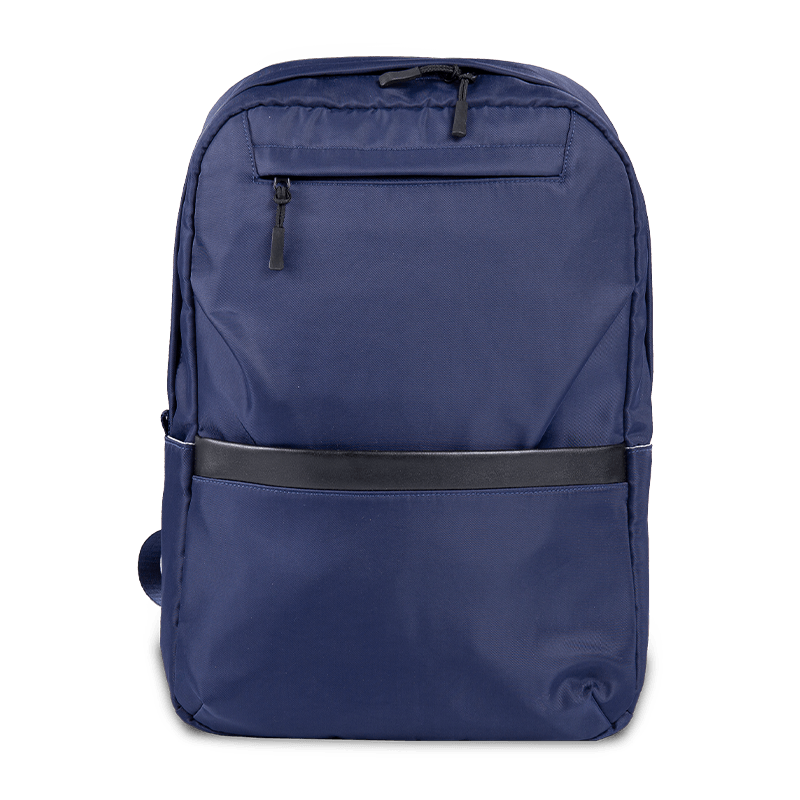
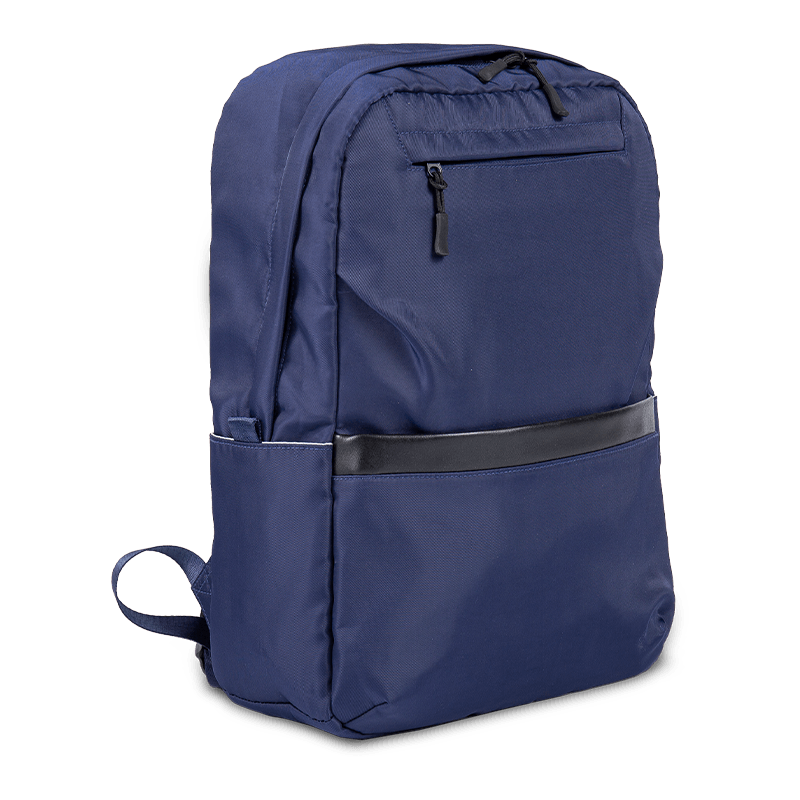
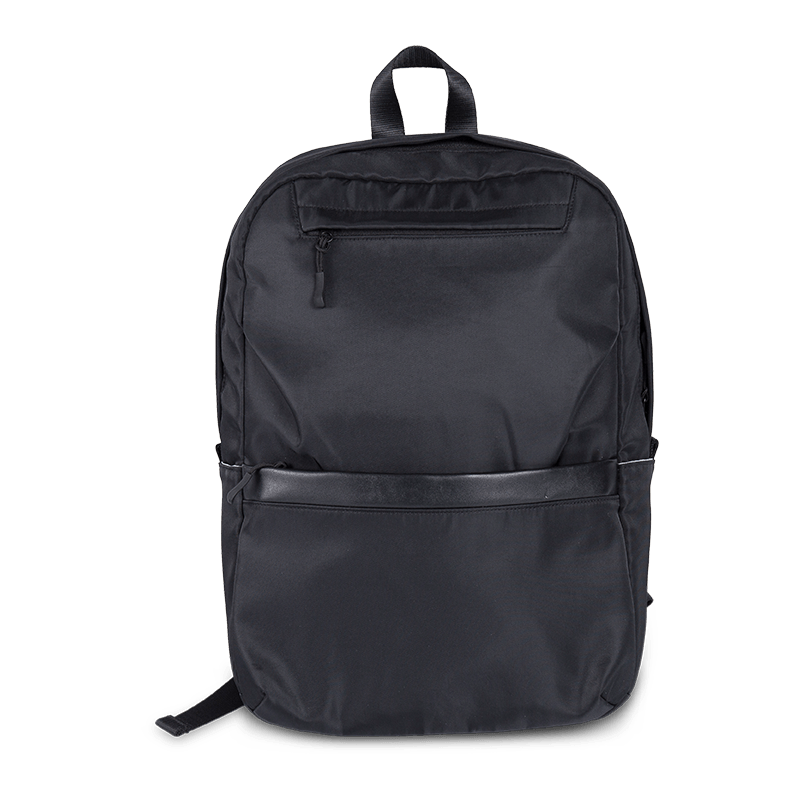
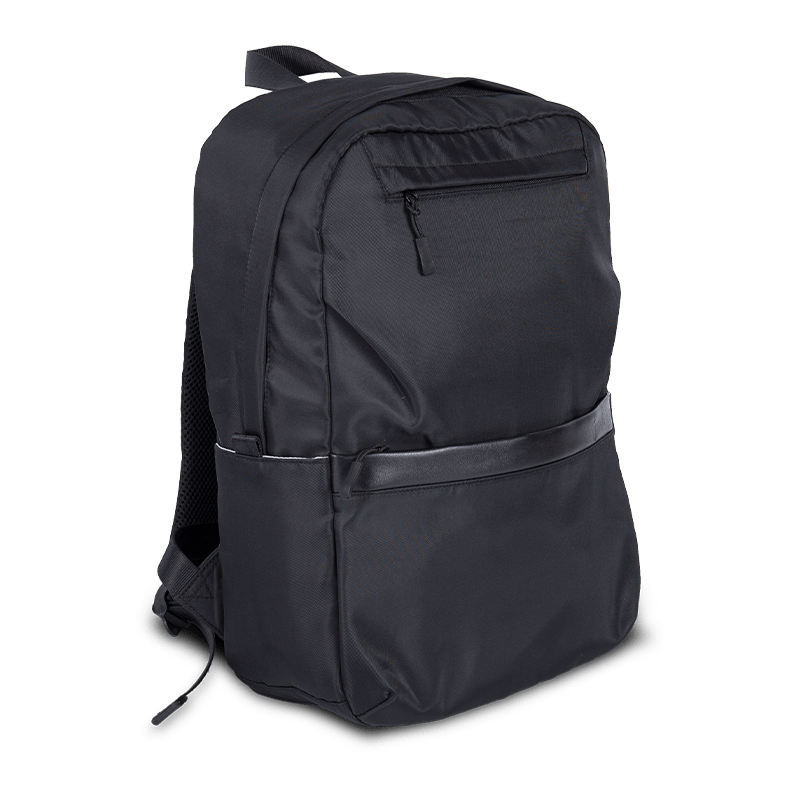
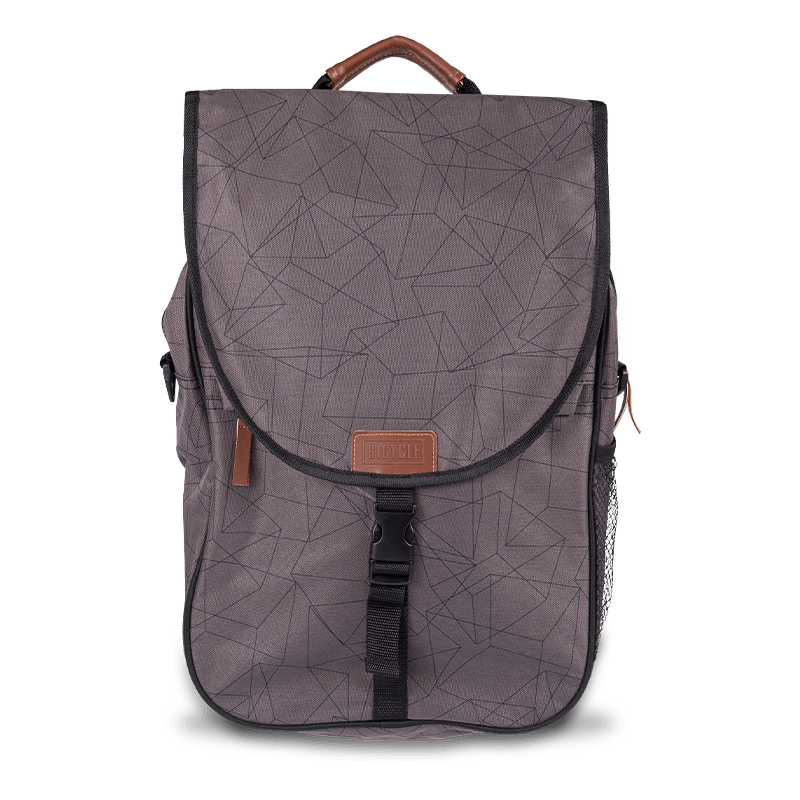
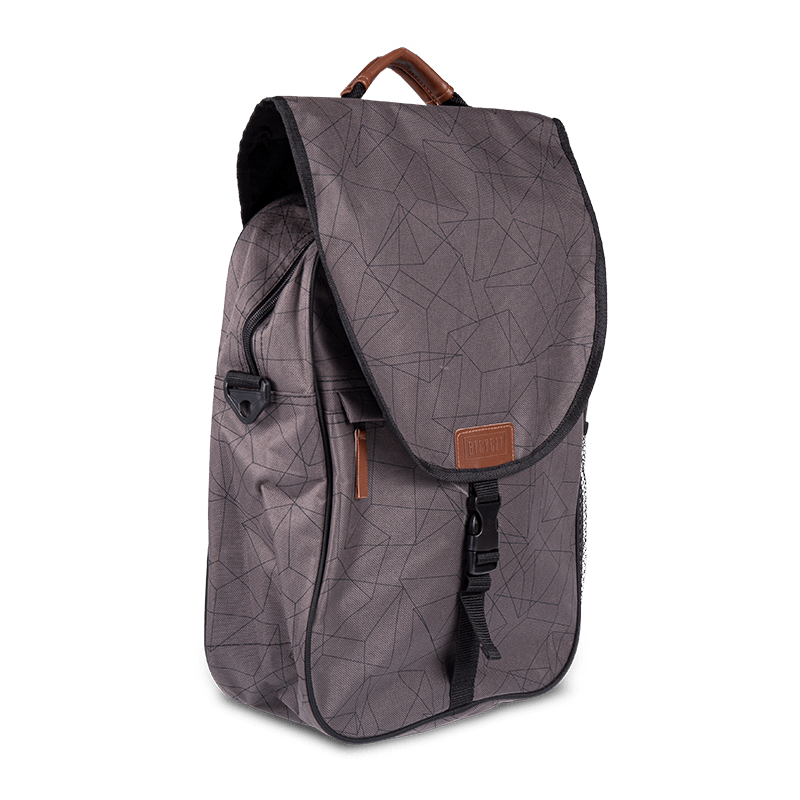
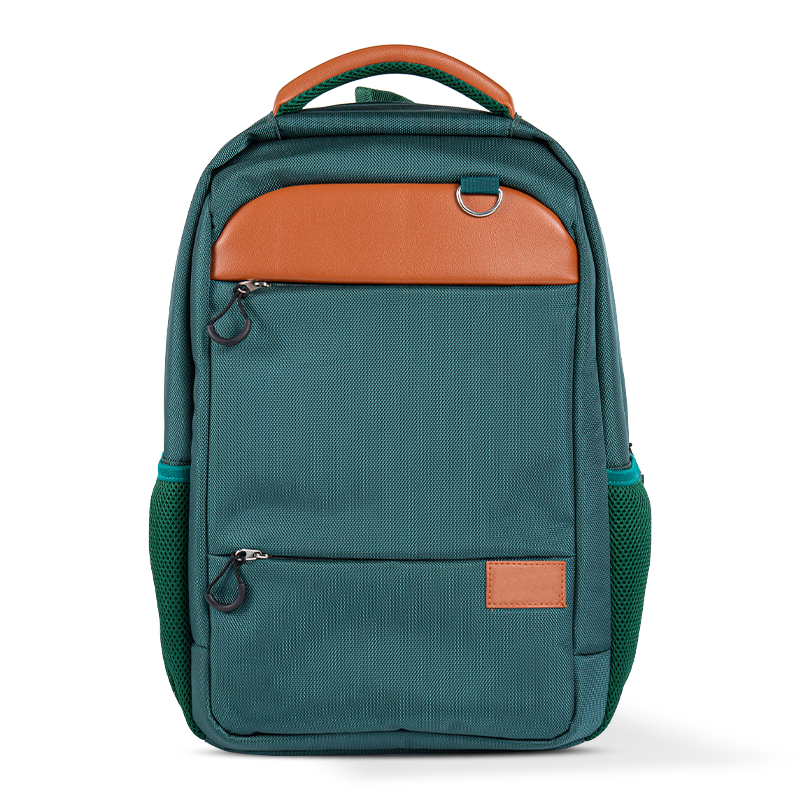
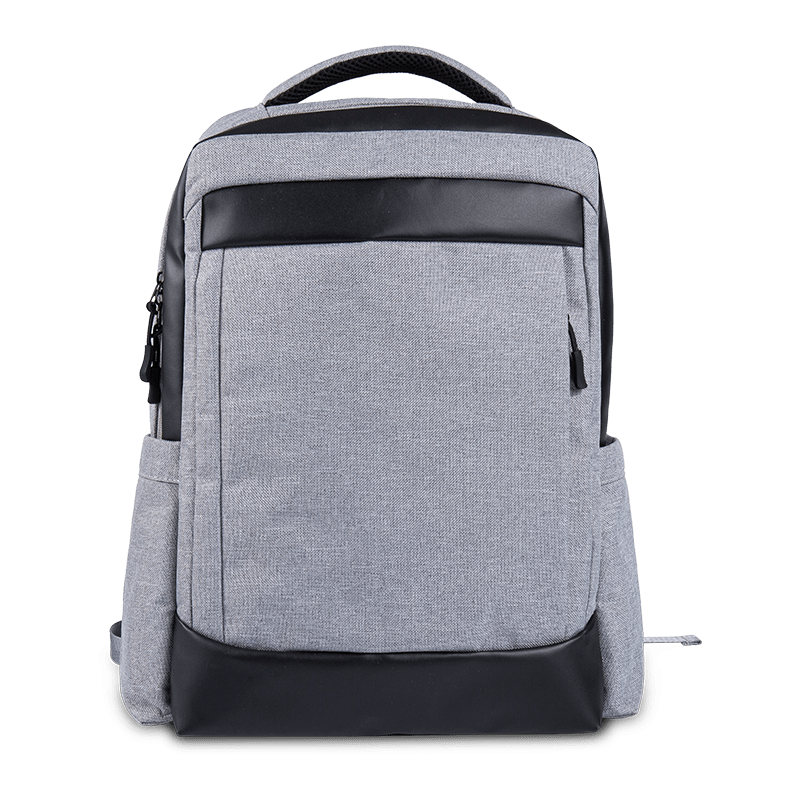
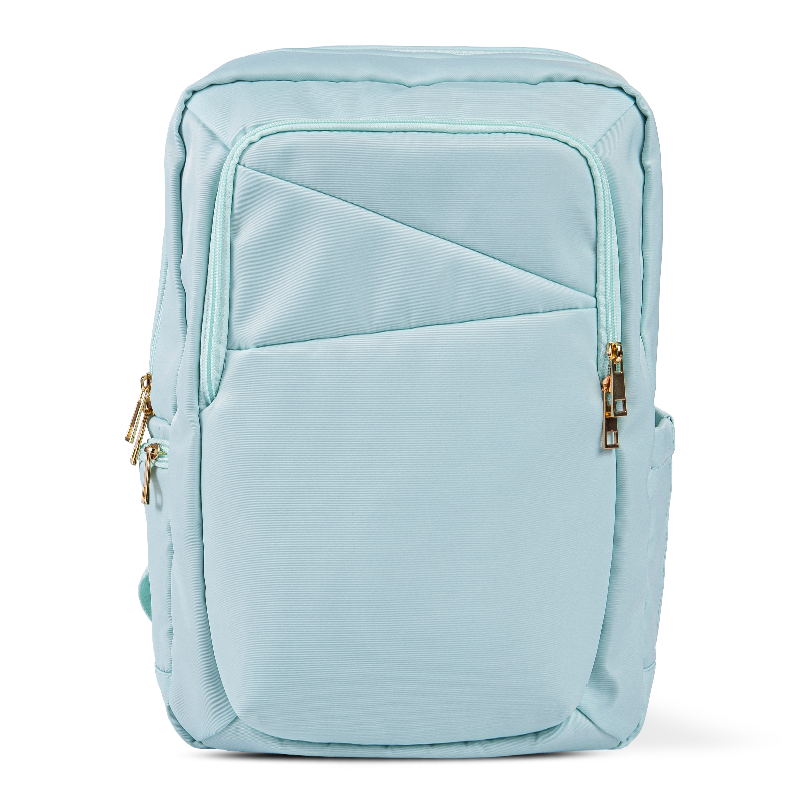
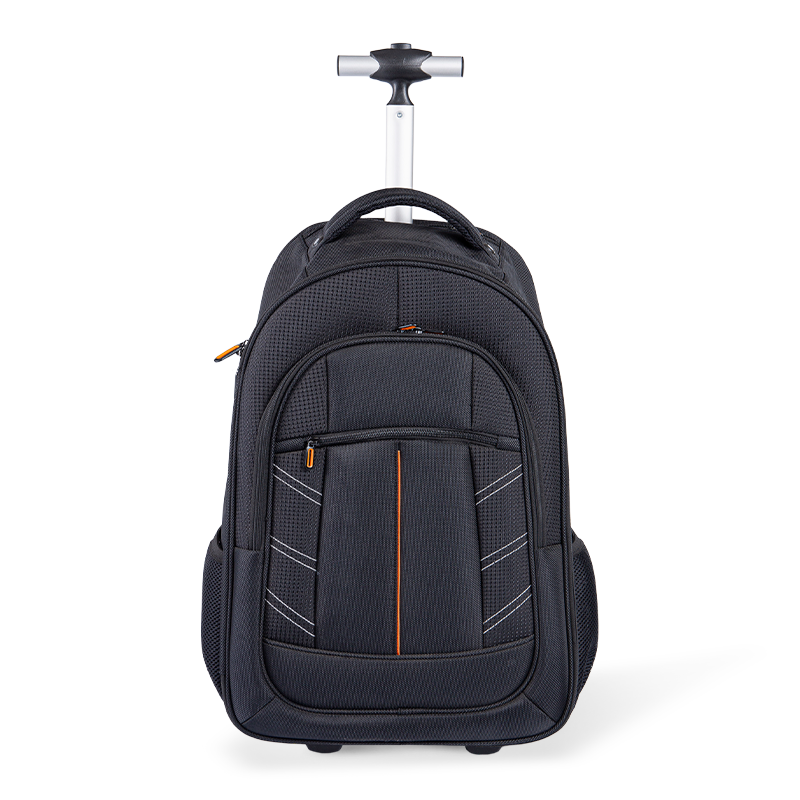
Laptop backpacks are ideal for students, commuters, and travelers. They distribute weight evenly across both shoulders, reducing strain during long commutes. High-quality backpacks often feature padded laptop compartments, water-resistant materials, and multiple pockets for accessories like chargers, notebooks, and tablets.
Messenger Bags
Messenger bags provide a stylish alternative for professionals. They are worn over one shoulder and allow quick access to your device without removing the bag completely. Key features include secure laptop sleeves, adjustable straps, and organization compartments for documents and peripherals.
Briefcases
Traditional briefcases are still preferred for formal business settings. Modern laptop briefcases combine elegance with functionality, offering padded laptop slots, multiple compartments, and durable handles. They often include shoulder straps for versatility and materials like leather for a professional appearance.
Tote Bags
Laptop tote bags are popular among professionals and students seeking a lightweight, easy-to-carry option. They often feature a simple, open design with one or two main compartments. High-quality tote bags are water-resistant and include reinforced bases to protect your laptop.
Key Features to Look for in a Computer Bag
Selecting the right computer bag is more than just picking a style. Consider features that enhance protection, convenience, and comfort. Paying attention to these details ensures your laptop and accessories stay safe while traveling.
Padded Compartments
A high-quality computer bag should have padded compartments specifically designed for laptops. Padding absorbs shocks and prevents damage from accidental bumps. Some bags include memory foam padding or reinforced walls for maximum protection.
Durable Materials
Durability is essential, especially if you travel frequently. Look for bags made from water-resistant fabrics such as nylon, polyester, or high-grade leather. Reinforced stitching and sturdy zippers also increase the lifespan of your computer bag.
Organizational Compartments
A practical computer bag should have multiple compartments and pockets for accessories like chargers, cables, phones, and notebooks. Some bags include hidden compartments for valuables or anti-theft designs for travel security.
Comfort Features
Comfort is critical when carrying a computer bag for extended periods. Adjustable, padded straps, breathable back panels, and lightweight materials reduce strain on shoulders and back, ensuring you can carry your laptop comfortably.
Comparing Popular Computer Bag Materials
The material of your computer bag directly affects durability, water resistance, and appearance. Understanding the pros and cons of different materials can help you make a smart choice.
| Material | Durability | Water Resistance | Style |
| Leather | High | Moderate | Elegant |
| Nylon | High | High | Casual/Modern |
| Polyester | Moderate | High | Varied |
| Canvas | Moderate | Low to Moderate | Casual |
Tips for Maintaining Your Computer Bag
Proper maintenance extends the life of your computer bag and keeps your devices safe. Simple steps can prevent wear and tear while keeping your bag looking new.
Regular Cleaning
Dust, dirt, and spills can damage your bag over time. Use a damp cloth for fabric bags or a leather cleaner for leather bags. Avoid harsh chemicals that may weaken materials or remove protective coatings.
Check Zippers and Straps
Zippers and straps are the most commonly stressed parts of a computer bag. Regularly inspect them for wear, and replace or repair if necessary to prevent sudden failures that could damage your laptop.
Proper Storage
When not in use, store your computer bag in a cool, dry place. Avoid hanging it by a single strap for long periods, as this can deform the bag and weaken structural integrity.
Choosing the Best Computer Bag for Travel
Traveling with a laptop requires extra attention to protection and convenience. A travel-ready computer bag should balance security, accessibility, and comfort for long journeys.
- Select a water-resistant bag to protect against unexpected rain or spills.
- Look for bags with TSA-friendly laptop compartments for quick airport security checks.
- Choose bags with multiple organizational pockets to separate accessories, documents, and personal items.
- Consider ergonomic designs, padded straps, and back panels for long-distance carrying.
- Opt for lightweight yet durable materials to reduce fatigue while maintaining protection.
By carefully considering these factors, travelers can select a computer bag that not only protects their device but also enhances convenience and style during their journeys.