




 English
 Español
 عربى
Content
A backpack with a charger is a wiring system wrapped in fabric, not a battery. The external port, the internal cable, and the power bank pocket are the three parts that decide whether the bag survives a long trip or fails in the first week. Get the pocket wrong and the bag is uncomfortable; get the port wrong and the phone never charges at all.
How a Charging Backpack Works: Four Parts That Matter
A charging backpack moves power from a power bank you already own to a phone through a fixed external socket, and the bag supplies only the route.
- External port. A USB-A or USB-C socket fixed through the front or side panel, usually behind a rubber cover or a sliding seal.
- Internal cable. A short cable, typically 20 to 35 cm, running from the socket to the compartment where the power bank sits.
- Power bank pocket. A padded compartment sized for a 10,000 to 20,000 mAh battery, ideally placed high and against the back panel.
- Cable channel. A stitched or piped tunnel that keeps the charging cable away from the laptop sleeve and the main load.
That limitation is also the feature. Because the battery is removable, nothing inside the bag degrades with charge cycles, and the electronics can be swapped when a phone connector changes.
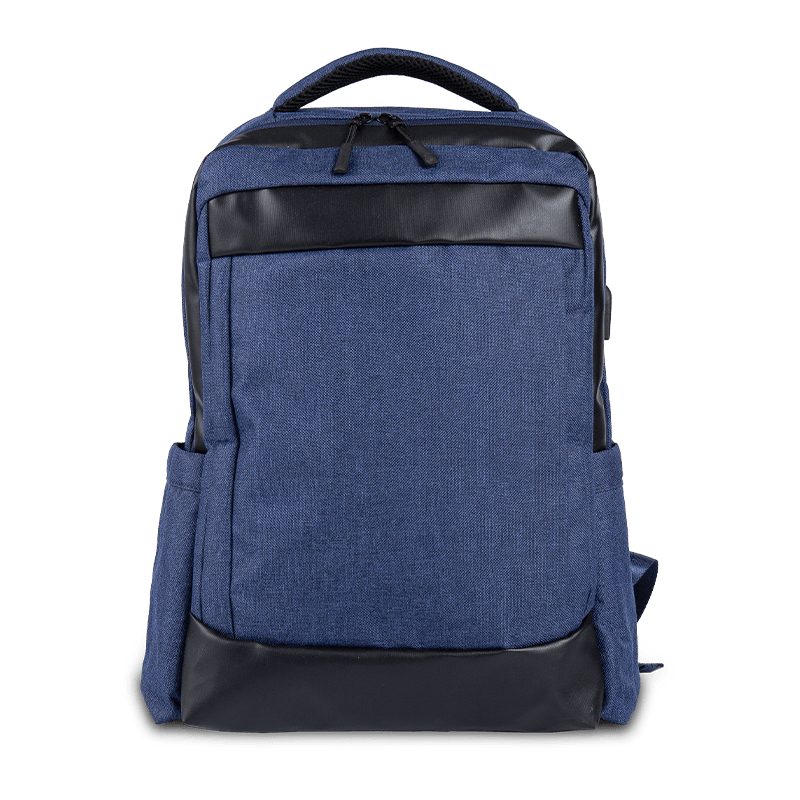
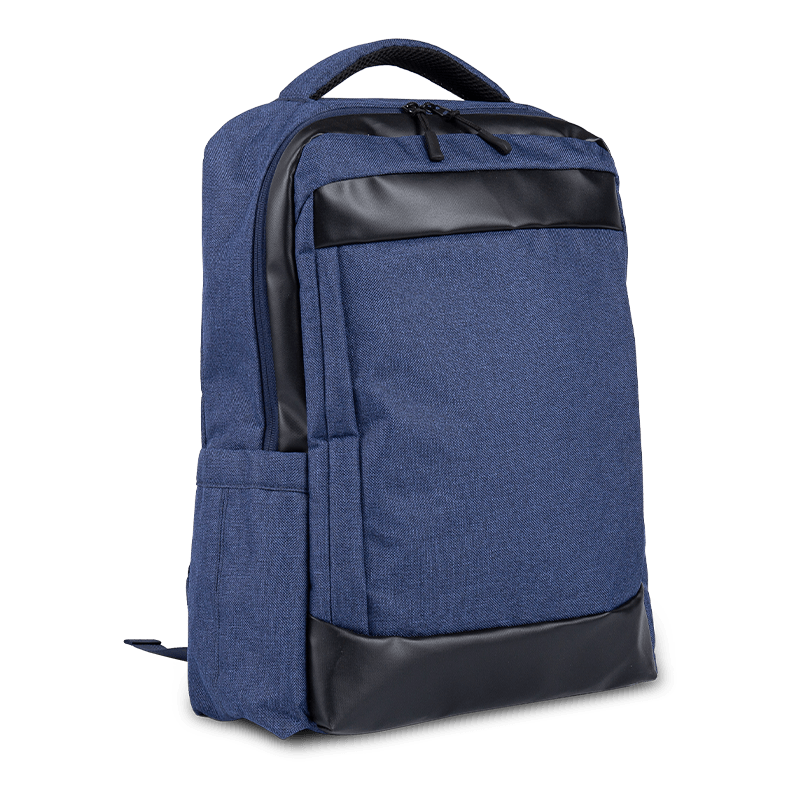
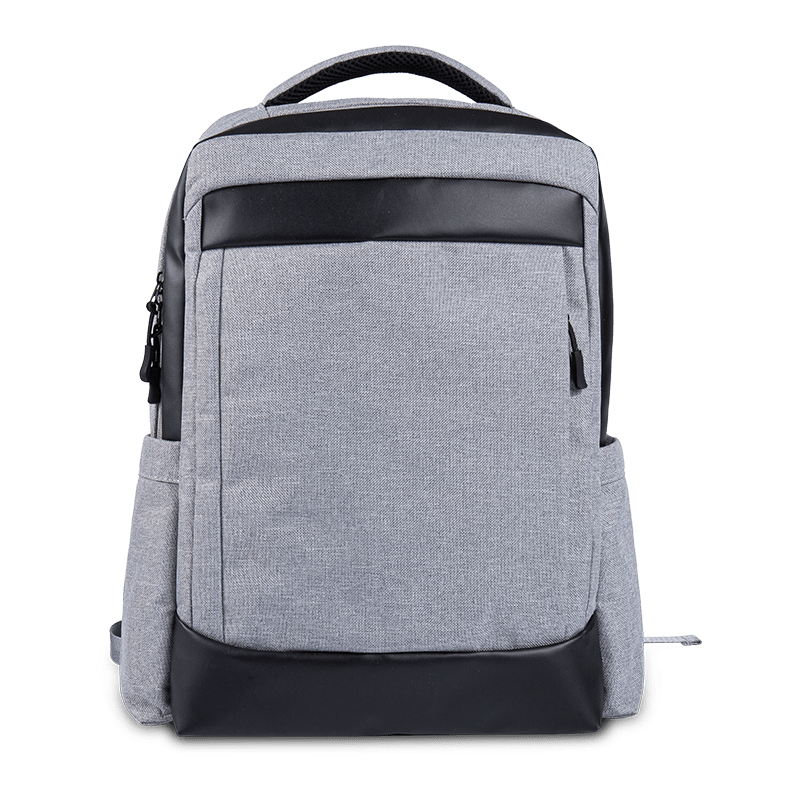
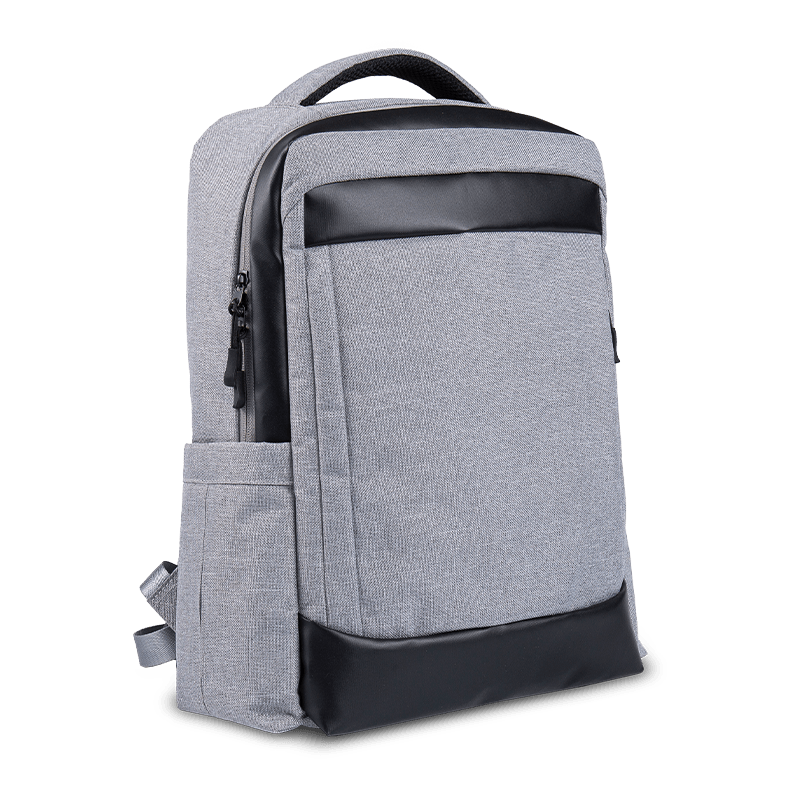
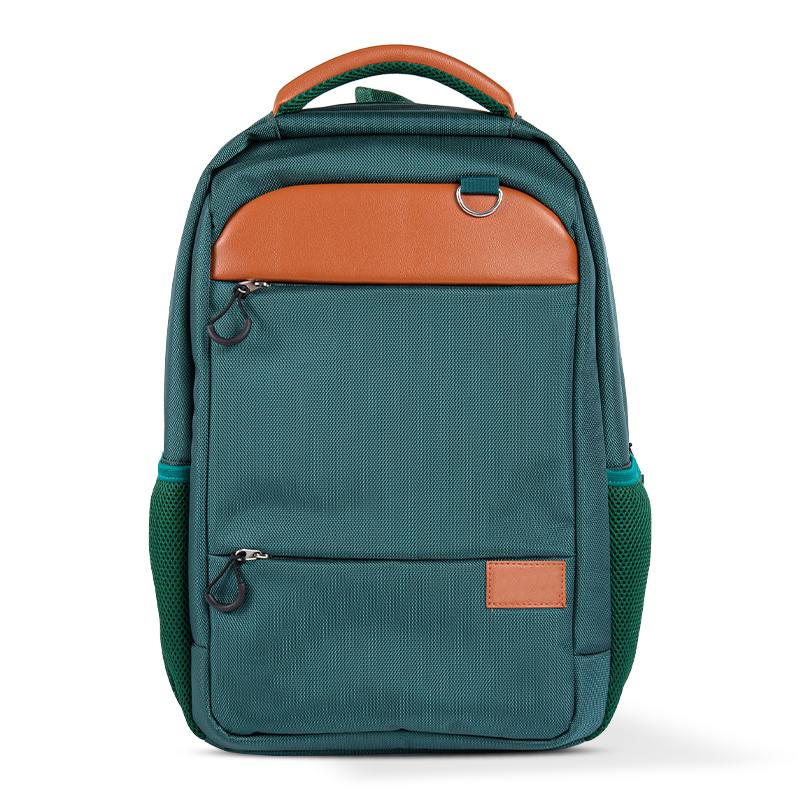
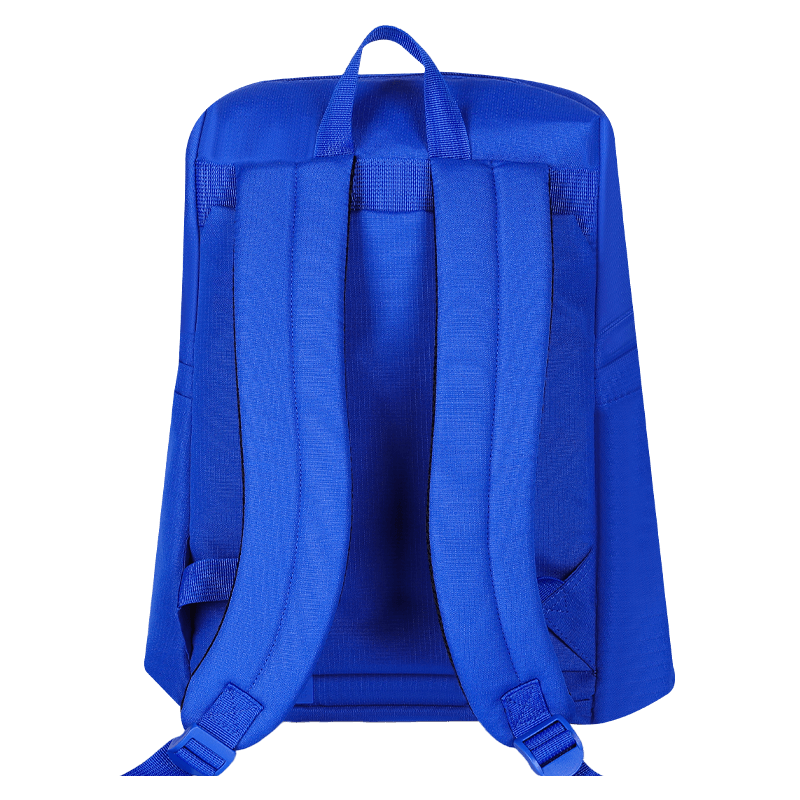 Business Laptop Backpack with USB Charging PortA business travel laptop backpack with Oxford shell, laptop compartment and USB charging port, suited to matching the pass-through to the charger buyers carry.View Product →
USB-A or USB-C: Match the Port to the Devices Buyers Carry
Choose USB-A pass-through for school bags and budget travel packs, and USB-C pass-through for commuter and laptop bags where buyers already carry PD chargers.
The socket is the visible half of the system and the easiest place to save money. A 12 W USB-A port costs very little to add; a 60 W USB-C port needs a heavier internal cable, a better connector, and a power bank that actually supports Power Delivery. Mixing the two is where most quality complaints begin.
| Specification | USB-A pass-through | USB-C pass-through |
| Typical output | 5 V at 2.4 A, around 12 W | 5 V to 20 V with PD, 30 W to 60 W |
| Internal cable | USB-A male to USB-A female, two core | USB-A male to USB-C female, or C to C with an E-marker |
| Cables users carry | Widely available and inexpensive | Standard on newer phones and laptops |
| Most common failure | Socket shell cracks under side load | Moisture in the port or a loose C connector |
| Best fit | School bags, daypacks, promotional orders | Commuter and business bags with a laptop sleeve |
The Power Bank Pocket Decides Comfort and Safety
The pocket matters more than the port because every gram, every degree of heat, and every pressure point ends up there.
Place the pocket high and against the back panel, where the weight sits closest to the spine and the bag carries best. Keep it out of the laptop sleeve; a rigid battery against a screen lid is a scratch waiting to happen. A pocket 18 to 22 mm deep with 5 mm of EVA on the outer face holds a 20,000 mAh bank without bulging into the main compartment.
Cable Routing, Weather, and the Wear Points Nobody Tests
Water ingress and repeated bending destroy charging backpacks long before the electronics fail electrically.
Most field returns trace back to two joints: the socket where the plug enters, and the connector where the internal cable meets the power bank. Both are mechanical problems, and both are solved at the design stage rather than in the warranty department.
Built to survive
- Sealed gasket around the port, with a tethered cover
- Stitched channel keeping the cable off the laptop
- 25 cm cable with strain relief at both connectors
- Side-facing port that drains instead of pooling
Fails in a season
- Bare cutout in the shell with no gasket
- Cable loose in the main compartment
- 10 cm cable bending tight at the plug
- Upward port on a curved, water-collecting panel
For a product-level walkthrough of the same points, this USB charging backpack buying guide covers port choice, pocket layout, and tester feedback in more detail.
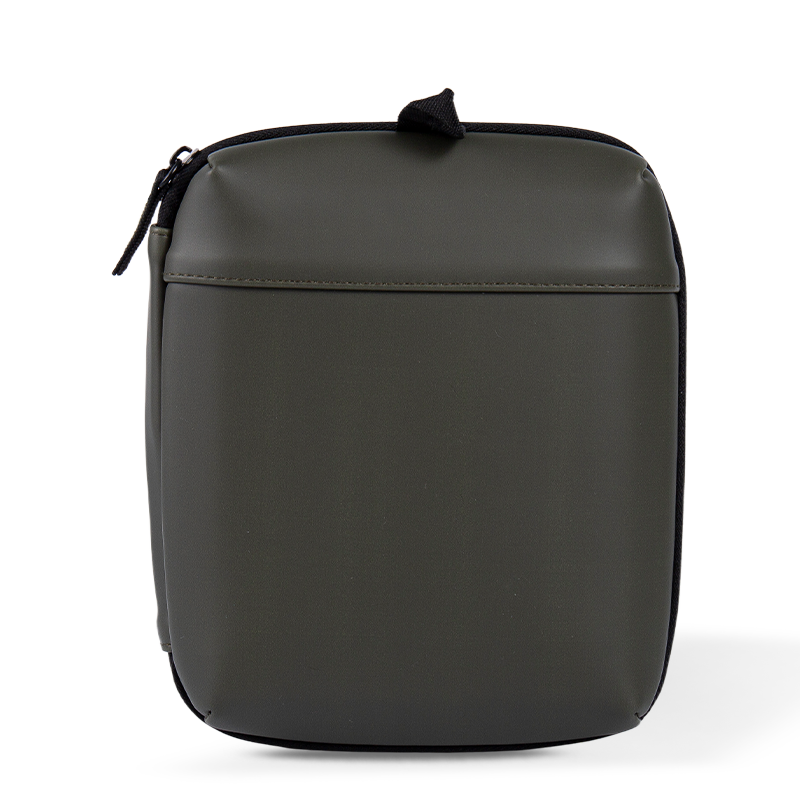 Waterproof PU Leather Cable Organizer CaseA compact PU leather case for power banks, drives, headphones, cables and phones; useful when specifying the charging setup alongside the backpack.View Product →
What to Specify Before a Wholesale Order
Write the charging system into the specification sheet, or only the first sample will work.
Buyers who leave the port as a single line reading "with USB" usually receive a bag with an unrated socket, a cable that kinks at 30 degrees, and a pocket that fits one specific power bank. These are the points worth locking down:
- Port type and rated output, written as 5 V at 2.4 A or 20 V at 3 A, never as "fast charging".
- Internal cable length, conductor gauge, and strain relief at both ends.
- Pocket dimensions with foam density, using a named reference power bank as the fit standard.
- A plug cycle test of 300 to 500 insertions, checked on the finished bag rather than a bare socket.
- Labelling: CE and FCC marks for the cable assembly, plus a clear statement that no battery is included.
- Customisation: logo placement, shell fabric, and recycled content if the buyer needs an RPET story.
Tooling, testing equipment, and assembly lines carry the rest of the risk, so it is worth checking the plant and equipment capability behind the sample before a purchase order is signed. A factory that can prototype the pocket and test the port in-house will catch a bent connector long before it reaches a retail shelf.
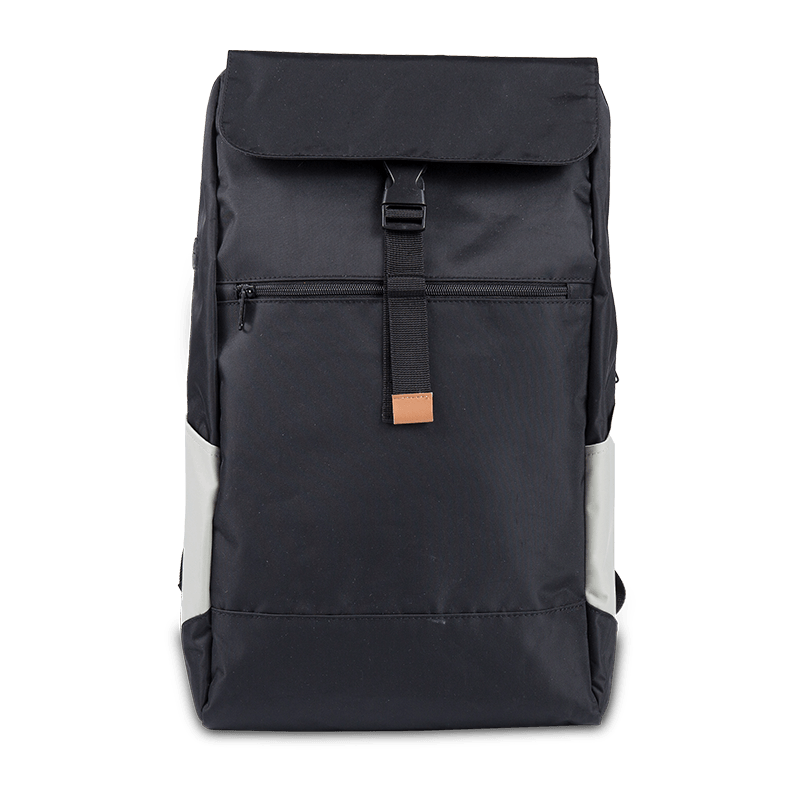
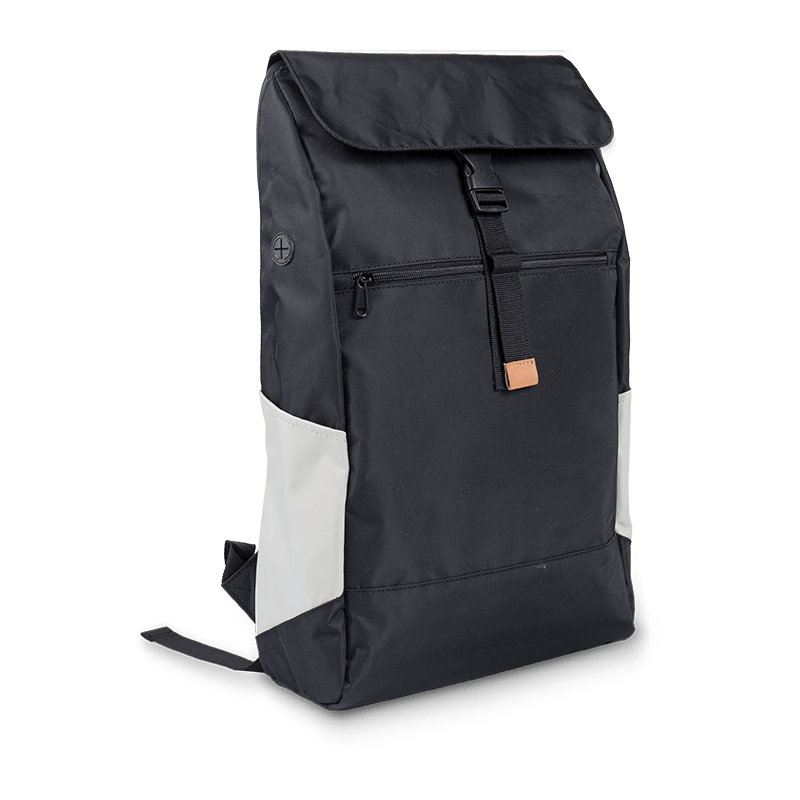
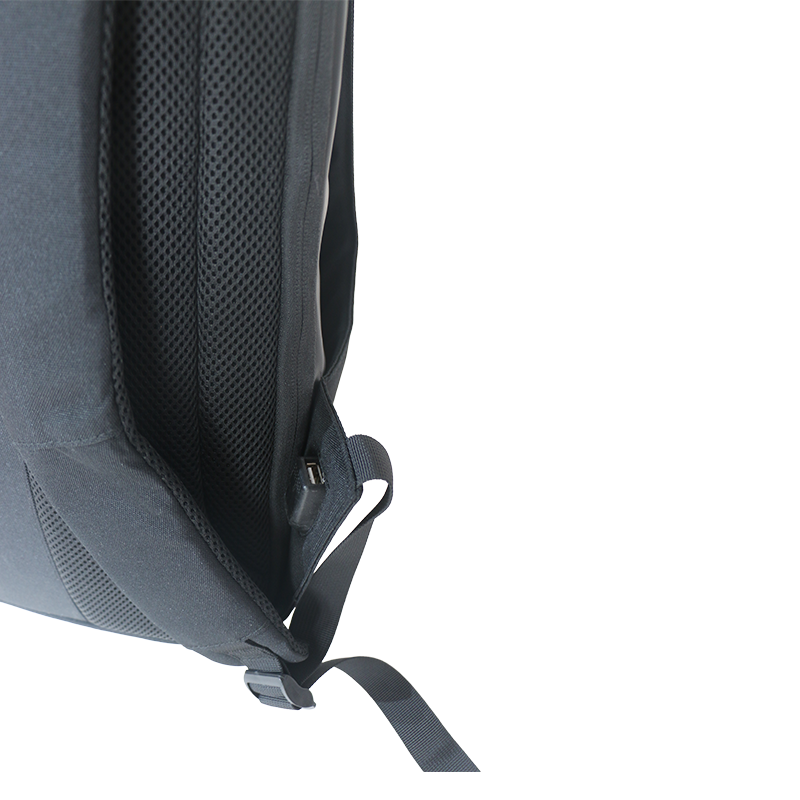 Custom Eco-Friendly RPET USB Charging Travel BackpackA custom-logo eco-friendly RPET travel backpack with USB charging, anti-theft and waterproof features, 20–35 L capacity; check factory tooling before ordering.View Product →
Frequently Asked Questions
Can you take a charging backpack on a plane?
Yes. The bag is ordinary luggage, but the power bank inside counts as a spare lithium battery. Most airlines require it in cabin baggage rather than checked luggage and cap capacity at 100 Wh, which is roughly 37 Wh for a 10,000 mAh bank and 74 Wh for a 20,000 mAh bank.
Does a USB charging backpack work without a power bank?
No. The external port is a pass-through connector with no battery behind it. With an empty pocket the port is inert, which is why pocket size and the battery the user already owns matter more than the label on the socket.
Is the USB port on these bags waterproof?
Rarely in the formal sense. Covers, gaskets, and a downward or side-facing socket keep rain and splashes out, but no common bag port carries an immersion rating. Specify the cover type and the direction the port faces instead of asking for a waterproof claim.
Can a failed port be replaced?
Only if it was designed to be. Most ports are riveted or stitched into the panel and fail as a sealed unit. Buyers who expect repairs should request a screw-fixed or clip-in module and a spare internal cable with the order.