






 English
 Español
 عربى
Content
- 1 Is a Laptop Allowed on a Plane? The Short Answer
- 2 Why the Laptop Belongs in the Cabin, Not the Hold
- 3 Getting Through Security With a Laptop
- 4 Will the Laptop Fit? Cabin Size, Weight and Allowances
- 5 Packing Choices That Protect the Screen and Hinges
- 6 What Buyers Should Specify in a Laptop-Ready Bag
- 7 Frequently Asked Questions
A laptop is allowed on an airplane on essentially every scheduled carrier in the world, but the answer most travellers actually need is narrower: it belongs in the cabin, it has to come out of the bag at the checkpoint, and its battery carries a watt-hour ceiling that a small number of people exceed without realising it. Get those three things right and everything else is ordinary packing.
Is a Laptop Allowed on a Plane? The Short Answer
Yes, a laptop is a permitted carry-on item on virtually every airline, and safety regulators classify it as a portable electronic device rather than restricted goods. The operating rule the industry has converged on is stricter than the legal text: the laptop flies with you in the cabin, and spare lithium batteries never travel in checked baggage.
That second half matters more than most people expect. A laptop left in a checked suitcase is rarely confiscated at check-in, but it does sit in a compartment nobody can open in flight, and a growing number of carriers and civil aviation authorities either restrict it or require you to declare it. Where an airline publishes its own battery policy, that policy overrides the general baseline below.
Watt-hours, in one line: Wh equals volts multiplied by amp-hours. A 15.4 V laptop battery rated at 4,700 mAh works out to roughly 72 Wh, comfortably under the 100 Wh threshold most airlines accept without paperwork.
| Framework | In the cabin | In checked baggage |
| ICAO and IATA baseline | Allowed; devices from 100 to 160 Wh need airline approval | Generally allowed, but spare batteries are prohibited |
| United States, TSA | Allowed; removed for screening except in PreCheck and CT lanes | Permitted yet discouraged by the agency |
| European Union and United Kingdom | Allowed; large electronics come out at most checkpoints | Airline-specific battery limits apply |
| China, CAAC | Allowed; power banks must show a legible Wh marking | Lithium battery devices are restricted |
Why the Laptop Belongs in the Cabin, Not the Hold
A laptop goes in the cabin because a lithium-ion fire in an inaccessible cargo hold is a completely different problem from one at row 23. In the cabin, crew can see smoke within seconds, reach the device and use a containment bag. In the hold, the first indication is an alarm in a compartment designed for cargo, not for people.
There are three practical consequences. First, a device that is already warm, damaged or swollen should never be checked in, because pressure changes and rough handling make a thermal event more likely. Second, a laptop in the hold is a valuable item in a bag that passes through many hands. Third, gate-checked bags are often returned on a jet bridge belt at the destination, which is exactly where a hard-shell laptop screen meets the corner of someone else's suitcase.
Spare batteries and power banks are cabin-only on virtually every carrier. A power bank buried in a checked bag is one of the fastest ways to have that bag held back, and the 100 Wh line is what decides whether you need airline approval before you fly.
Getting Through Security With a Laptop
Assume the laptop comes out of the bag and goes into its own tray, unless the lane is fitted with a CT scanner that lets electronics stay inside. Packing for that single moment is what separates a thirty-second stop from a two-minute repack while a queue watches.
- Load the laptop last so it sits at the top of the main compartment or in a side-access pocket, not under a week of clothing.
- Take it fully out of the bag at the tray, with no sleeve stacked underneath and no charger cable wrapped around it. Cables and dongles read as clutter on the X-ray image.
- Read the lane. Where CT scanners are installed, officers usually tell you to leave devices inside; where they are not, expect the older protocol.
- Repack away from the belt, after you have your tray, so you are not holding up the line with a bag balanced on one knee.
A padded sleeve inside a backpack is convenient in the terminal and awkward at the checkpoint. Bags with a side or front-opening laptop compartment let you pull the device without unpacking everything else, which is usually the whole difference between a smooth transit and a stressful one.
Will the Laptop Fit? Cabin Size, Weight and Allowances
The laptop itself has no size limit on commercial flights; the bag carrying it does. That distinction matters because most rejected cabin bags are rejected on dimensions, not on contents, and a laptop backpack that measures 56 cm tall can fail a 55 cm gauge by a single centimetre.
| Allowance | Common figure | What it means in practice |
| IATA reference cabin size | 55 x 40 x 20 cm | Fits most 15 to 16 inch laptop backpacks with room to spare |
| Personal item | 40 x 30 x 15 cm | One laptop, charger and documents, and nothing else |
| Cabin weight | 7 to 10 kg | Rarely weighed on full service carriers, checked on some low cost routes |
| Large gaming laptops | 17.3 inch screens | Need a dedicated sleeve and a bag with a wider, flatter footprint |
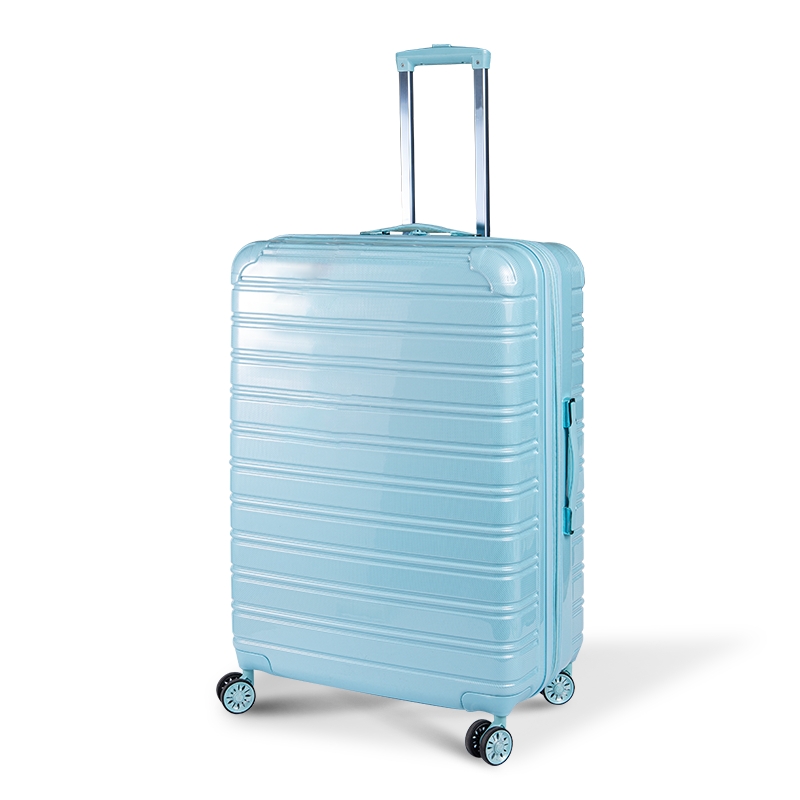
If you would rather not carry two bags, the cleanest answer is a cabin case with a padded device pocket and a front opening, so the laptop comes out at security without the clothes coming with it.
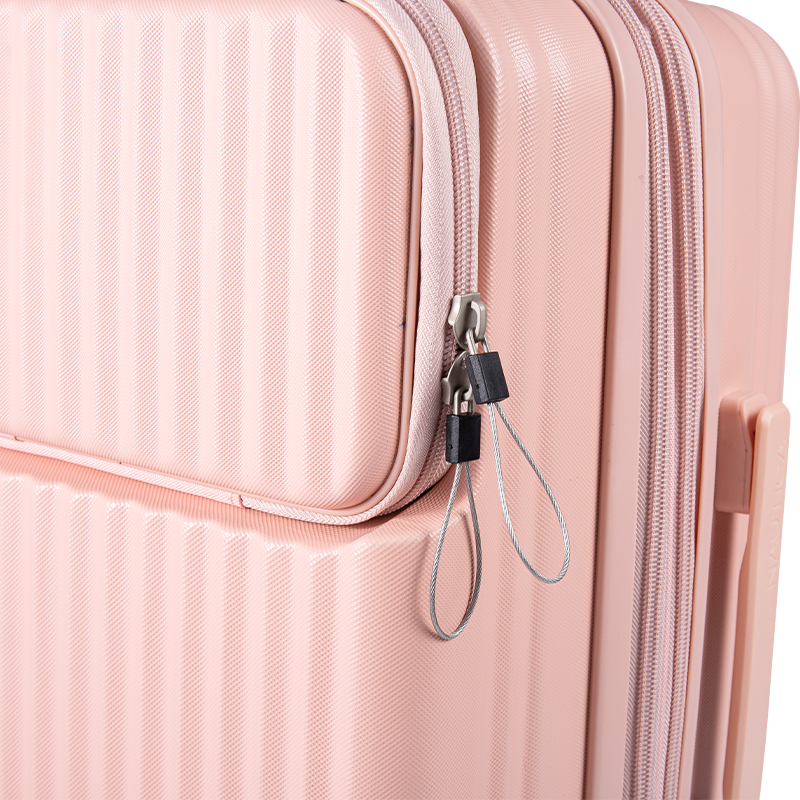 Front-Opening Carry-On Suitcase with Quick Laptop AccessA carry-on suitcase with front-opening laptop access and multi-zone packing, useful when you want security access without unpacking clothes.View Product →
One rule of thumb worth keeping: if the bag only just closes with the laptop inside, it will not close comfortably once a charger, a mouse and a water bottle join it. Size the bag for the second day of the trip, not the first.
Packing Choices That Protect the Screen and Hinges
Screen damage comes from point loads and flex, not from thin padding. A laptop that presses against a corner of a hard object, or that bends because a bag is overstuffed, is at more risk than one in a slim sleeve that holds its shape.
- Device in a suspended sleeve with 20 to 25 mm of foam under it
- Charger and adapters in a separate pocket, never against the lid
- Bag under the seat in front rather than in an overhead bin
- Laptop removed first if the bag is gate-checked at the aircraft door
- Laptop loose in a tote with keys, coins or a metal bottle
- Packing a rigid case so tightly that the lid bows
- Checking the device in a suitcase and hoping for the best
- Stacking heavy items on top of an unprotected lid
A dedicated compartment with a suspended base and a shock-absorbing layer is the single most useful feature here, because it keeps the device off the floor of the bag when it is set down.
 Shockproof Laptop Briefcase Shoulder Bag for 13–16-Inch DevicesA polyester laptop briefcase with a shockproof computer layer, front double pocket and shoulder carry, suited to commuting and gate-checked trips.View Product →
If the bag has to be gate-checked, the laptop comes out with you. Every time.
What Buyers Should Specify in a Laptop-Ready Bag
For wholesale buyers, the specification that decides whether a laptop bag survives real use is the internal compartment, not the exterior fabric. Aesthetics sell the first unit; the sleeve dimensions, the base construction and the zip hardware decide whether the buyer reorders.
Material choice follows the same logic. A 600D polyester shell with a water-repellent finish handles daily commuting, while a heavier oxford or a film-coated face is worth the cost on bags that will be handled at airports and warehouses. Documenting those decisions matters as much as making them: our factory and equipment capability page shows the cutting and assembly setup behind these specifications, and the computer bag buying guide covers the retail-facing side of the same choices.
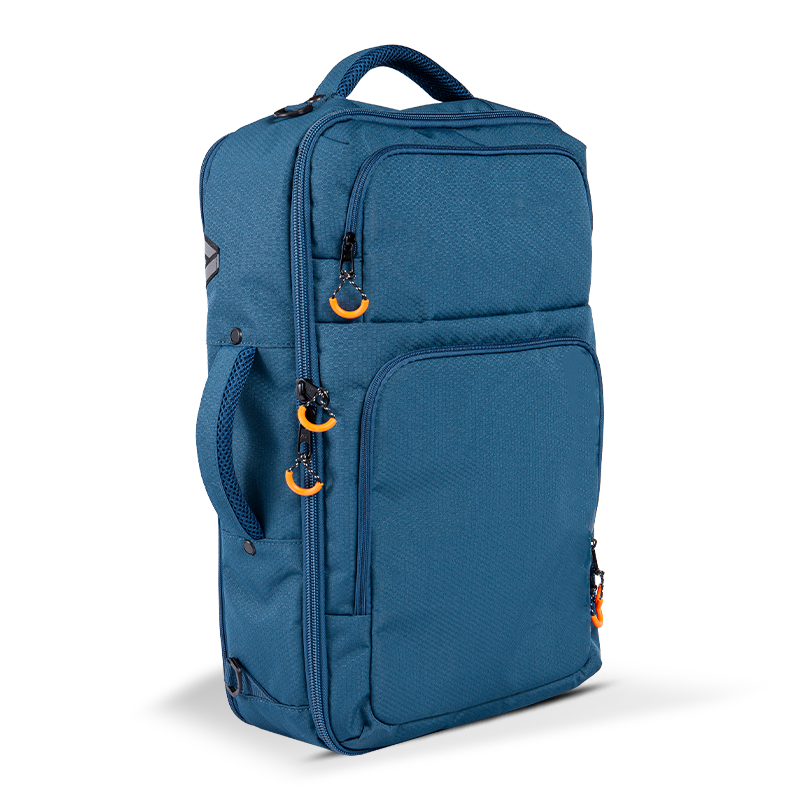
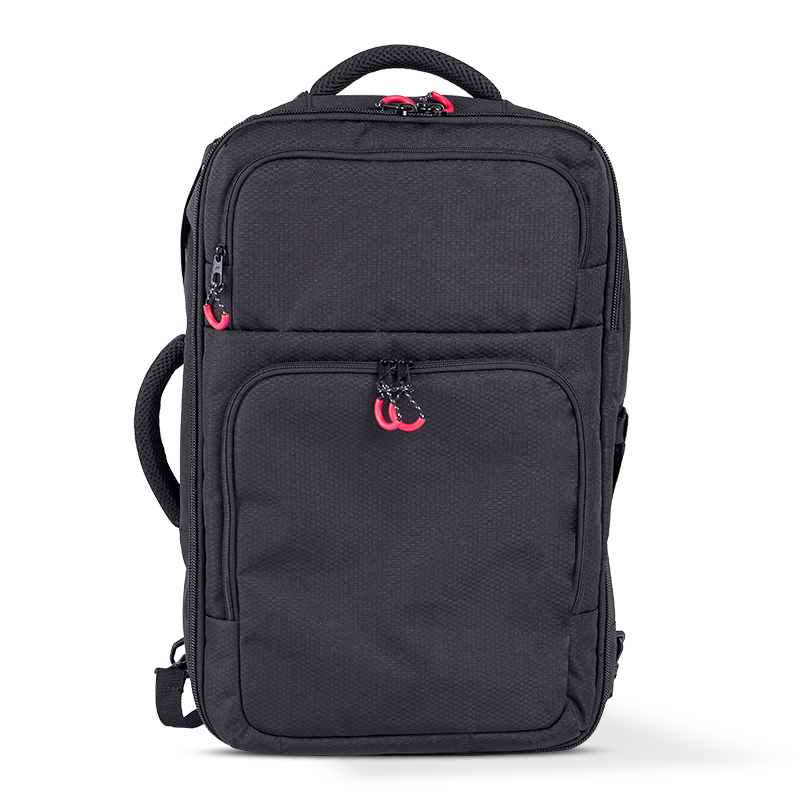
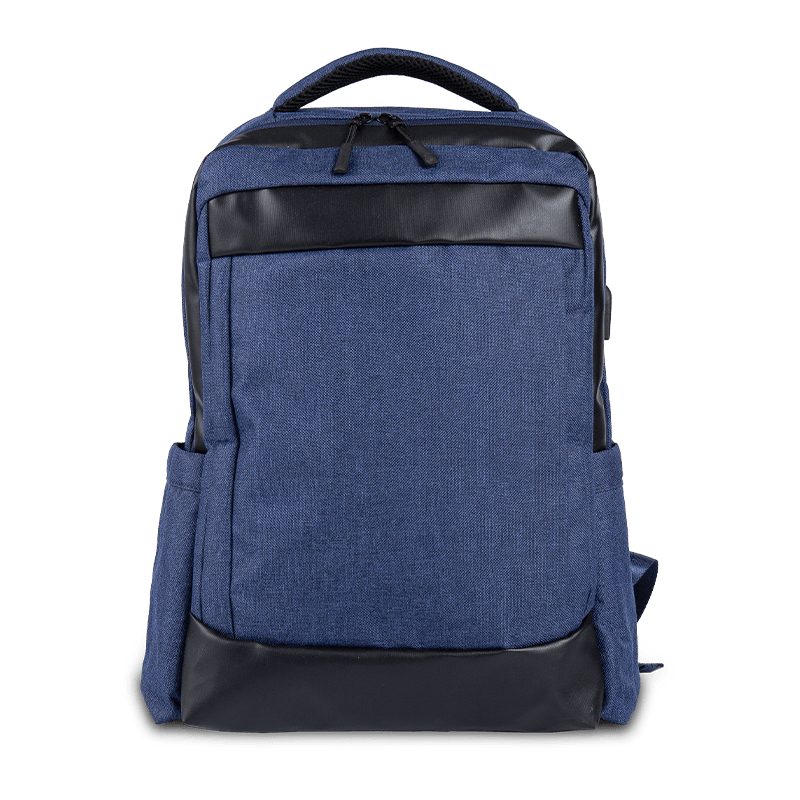
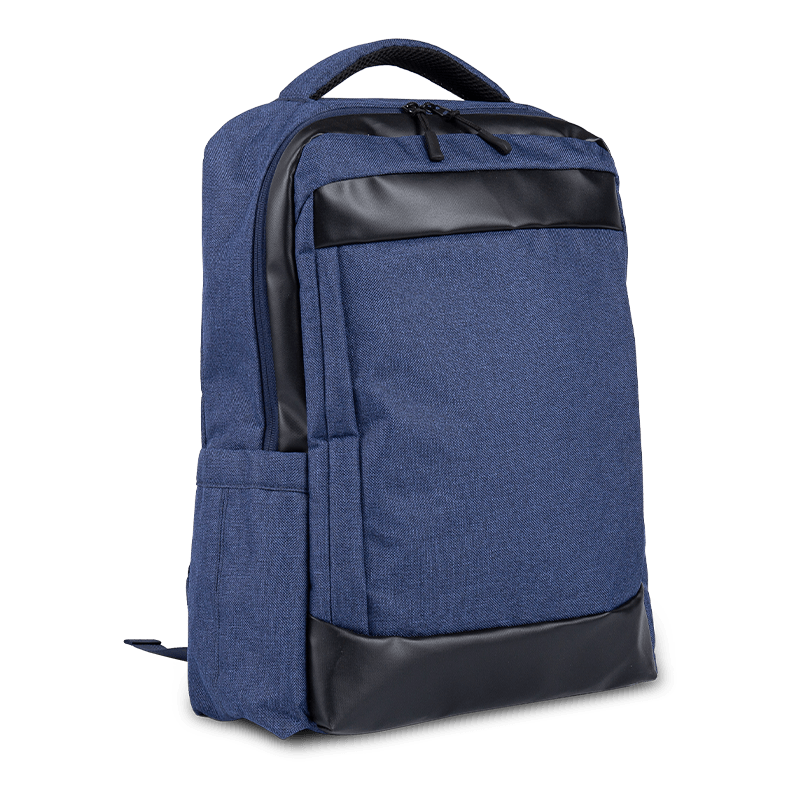
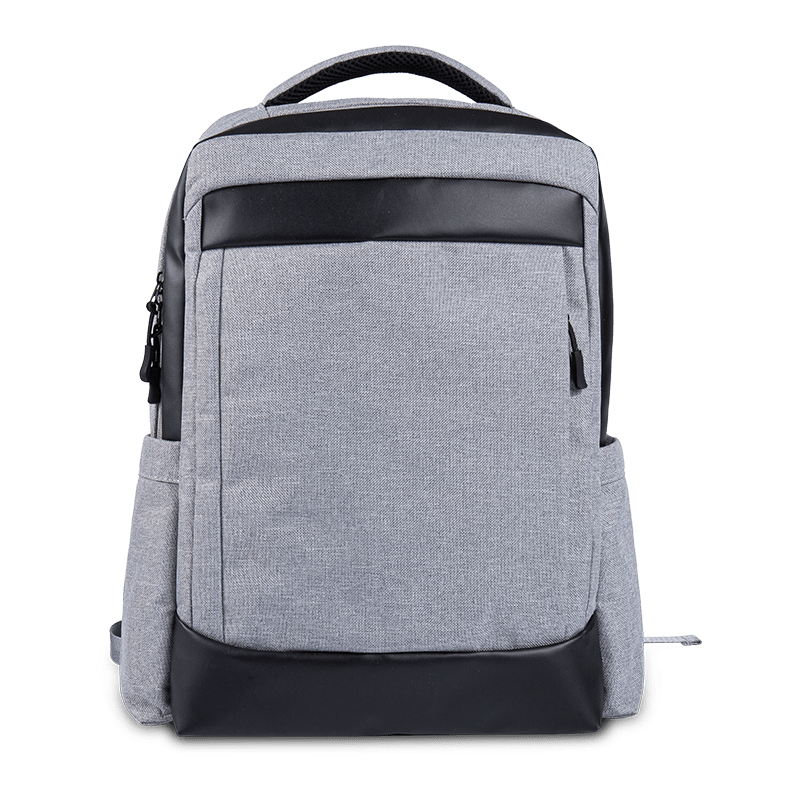
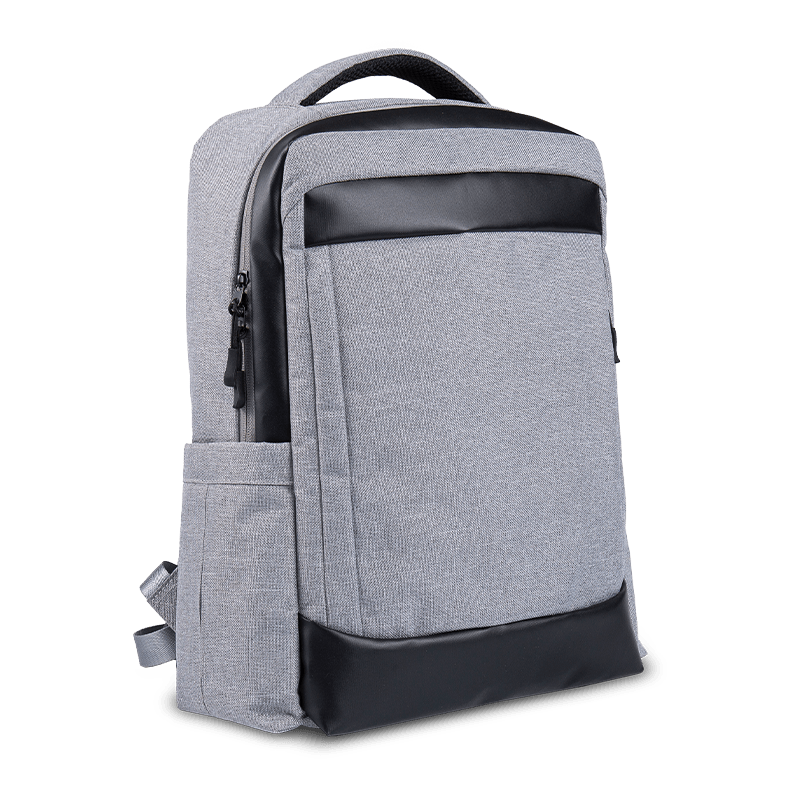
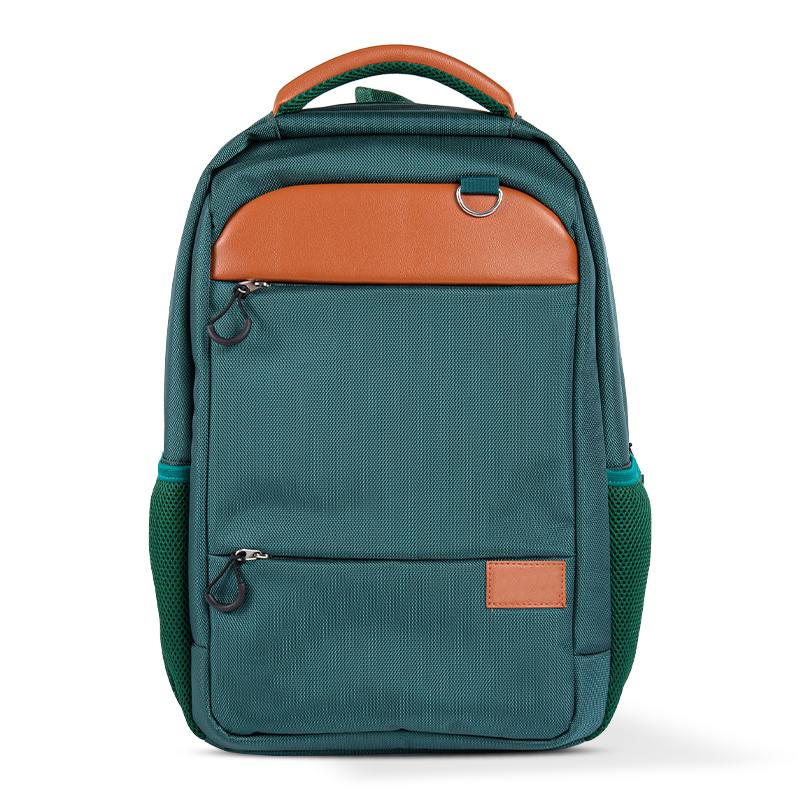
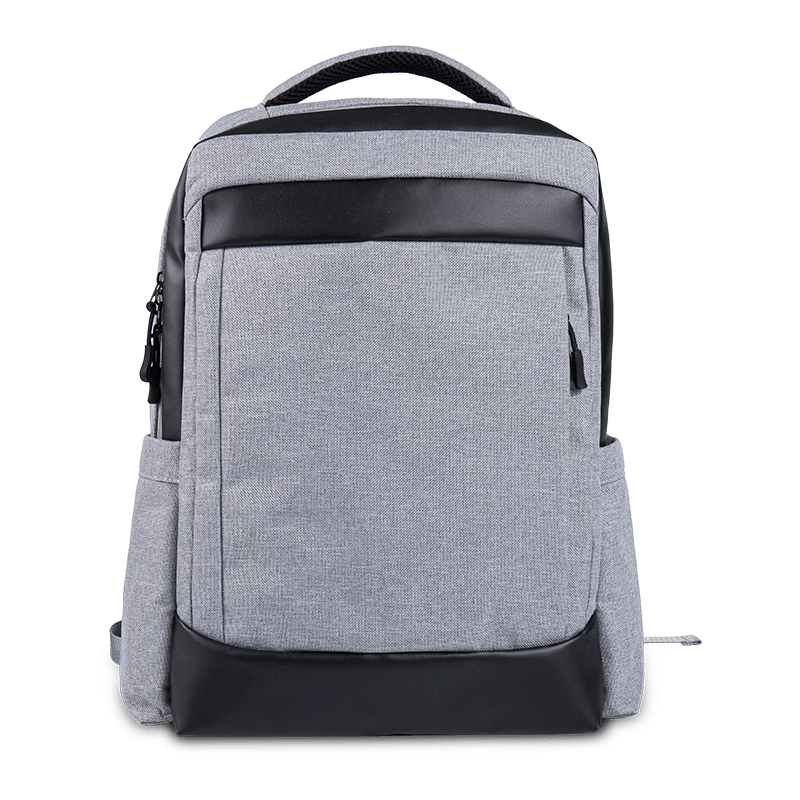
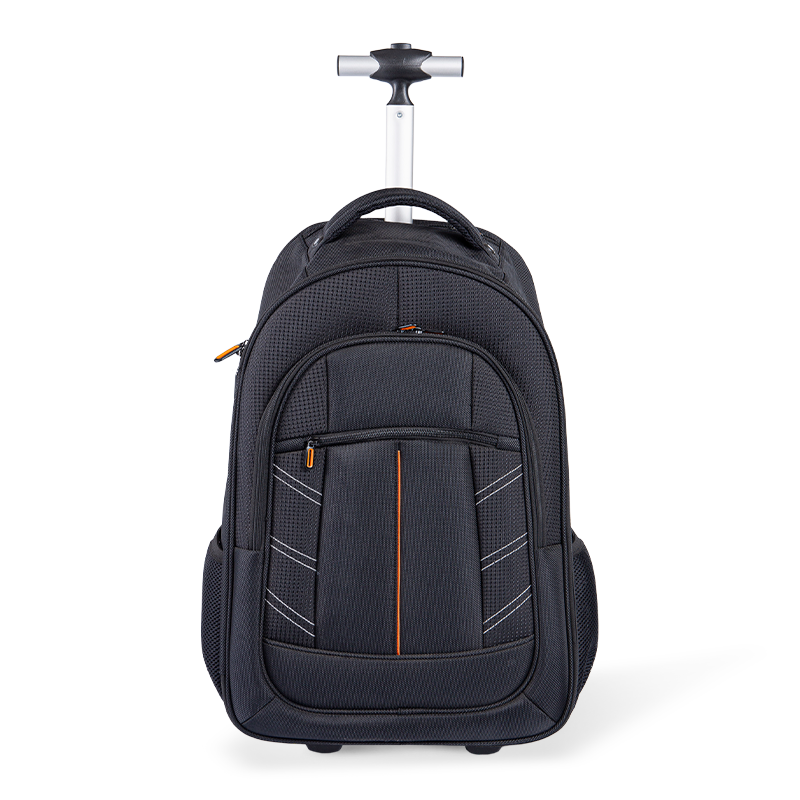
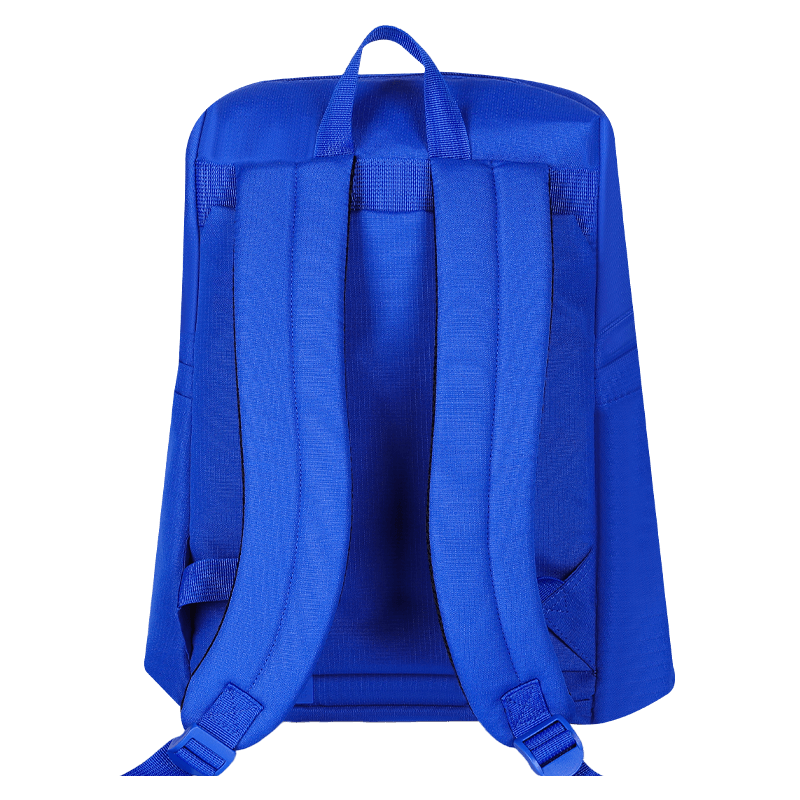 Business Travel Laptop Backpack with USB Charging PortAn Oxford soft-back business backpack with an internal computer compartment and USB charging port, suited to commuting and travel days.View Product →
For travel-focused programmes, the practical combination is a padded device compartment, a USB pass-through that does not compromise the lining, and a back panel that stays breathable when the bag is worn across a terminal for twenty minutes.
Frequently Asked Questions
The four questions below cover what most travellers and most wholesale buyers ask first, in the order they usually come up.
Can you put a laptop in checked baggage?
In many countries it is not formally banned, but it is a poor decision and an increasingly restricted one. Spare batteries and power banks must stay in the cabin, several authorities limit lithium battery devices in checked bags, and a device in the hold cannot be reached if it starts to overheat. Keep the laptop with you.
Does a laptop count as a personal item or a carry-on?
On most airlines a laptop carried in a backpack or briefcase counts as your one cabin bag, not as an extra personal item. Basic economy fares are stricter still, so check whether your ticket includes both a personal item and a cabin bag before you plan to carry the laptop separately.
Do you always have to remove the laptop at security?
No. Checkpoints equipped with CT scanners often allow electronics to stay inside the bag, and trusted traveller programmes in some countries do the same. Everywhere else, plan to take it out and place it alone in a tray.
Can you use a laptop during the flight?
Usually yes, once the crew confirms electronic devices are permitted, though some jurisdictions still restrict use during taxi, takeoff and landing. Keep enough charge to show the device works if you are asked, and remember that a laptop with a swollen or damaged battery should not board at all.